Google Drive is where most business files end up first, because it's inexpensive, familiar, and already open in everyone's browser. The harder question is when to stop using Google Drive for document management. The honest answer is that it depends less on company size and more on what your documents need to do. This article covers the signs that a shared drive has stopped keeping up, and the situations where it's still the right tool.
Why Most Businesses Start With Google Drive
Drive asks for almost nothing up front. You create a folder, add a few files, and share a link with a colleague or a client. There's no setup project and no training session, which is a genuine advantage for a new business with a handful of customers.
The limitation is that Drive was designed to store and share any kind of file. It wasn't designed around how a business collects, checks, and tracks client paperwork. That gap is barely noticeable with fifty documents, and it becomes harder to ignore with five thousand.
What Google Drive Does Well
It's worth being fair before listing the problems, because Drive handles several things very well:
- It stores almost any file type and previews most of them in the browser
- Search is fast and reads the text inside many documents
- Docs and Sheets let several people edit the same file together
- Earlier versions of a file are kept for a limited period
- It works on any phone or laptop without extra software
If your team mainly drafts and shares working files, you may never need anything more than this.
Seven Signs You've Outgrown It
Most teams don't run into one dramatic failure. Instead, they notice a few small problems that keep returning, each one costing a little more time than the last.
| The Sign | What It Costs You |
|---|---|
| "Where is that file?" comes up weekly | Lost time and repeated work |
| Copies named "final" and "final-2" | The wrong version reaches a client |
| Nobody tracks old sharing links | Private files stay open too long |
| A license expires without warning | Penalties, delays, or stalled jobs |
| Files sit in a former employee's account | Hours spent recovering access |
| Staff chase clients by email | Slow onboarding, files in inboxes |
| Everyone builds folders differently | New hires need help finding files |
Any one of these is a habit you can correct. Three or more at the same time usually means the tool no longer fits the work.
A Common Scenario
A staffing agency keeps a Drive folder for every worker it places, holding an ID, a signed contract, and a safety certificate. With forty workers, the office manager knows every folder from memory. With two hundred, she doesn't. One Monday, a site supervisor turns a worker away because his safety certificate expired the previous week.
The scan had been sitting in Drive the entire time, so the document was never lost. The problem was that Drive stored the certificate without tracking it, and nothing was set up to warn anyone about the date. That's the practical difference between storing documents and managing them.
Five Tests to Know When It's Time
Headcount is a poor guide, since a team of five can outgrow Drive while a team of fifty manages comfortably. These five tests are more reliable:
- The time test. Does someone spend more than a few minutes every day searching for files?
- The date test. Do you hold documents that expire, such as licenses, IDs, or insurance certificates?
- The client test. Do you collect the same set of documents from every new client?
- The access test. Could you list, right now, everyone who can open your most sensitive folder?
- The handover test. If one person left on Friday, would the folders still make sense on Monday?
If you answered "yes" to the first three, or "no" to the last two, it's reasonable to start looking at a system built for the job.
When Google Drive Is Still Enough
Not every business needs to move, and switching too early only adds cost. Drive is probably still the right choice if:
- You have a small team and a manageable number of clients
- Your documents don't carry expiry dates or legal deadlines
- One agreed folder structure exists, and people actually follow it
- Your work is mostly writing and editing together, not collecting and tracking records
In that situation, a tidy folder structure will help more than new software. Our guide on how to organize business documents is a practical place to begin.
Google Drive vs. a Document Management System
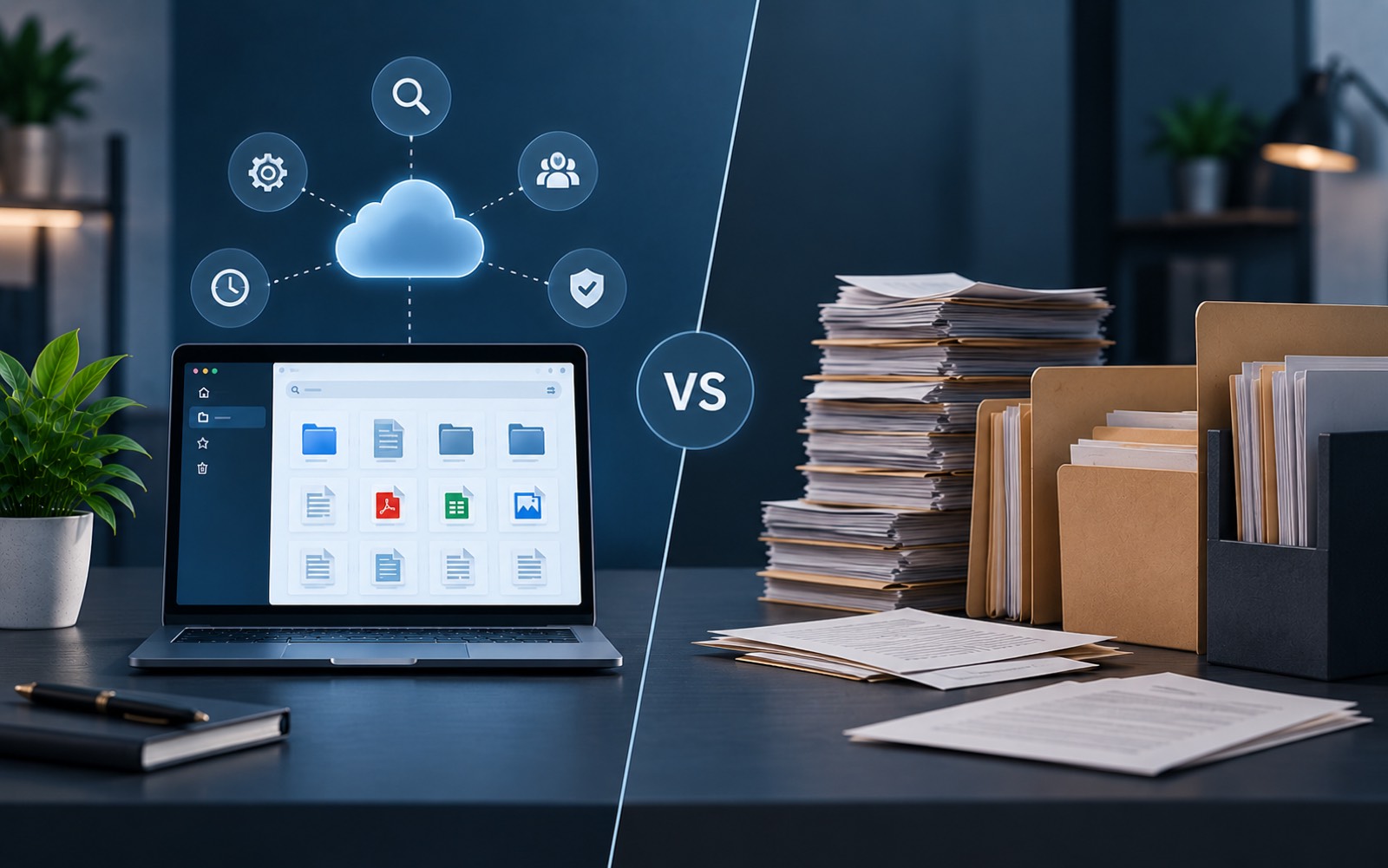
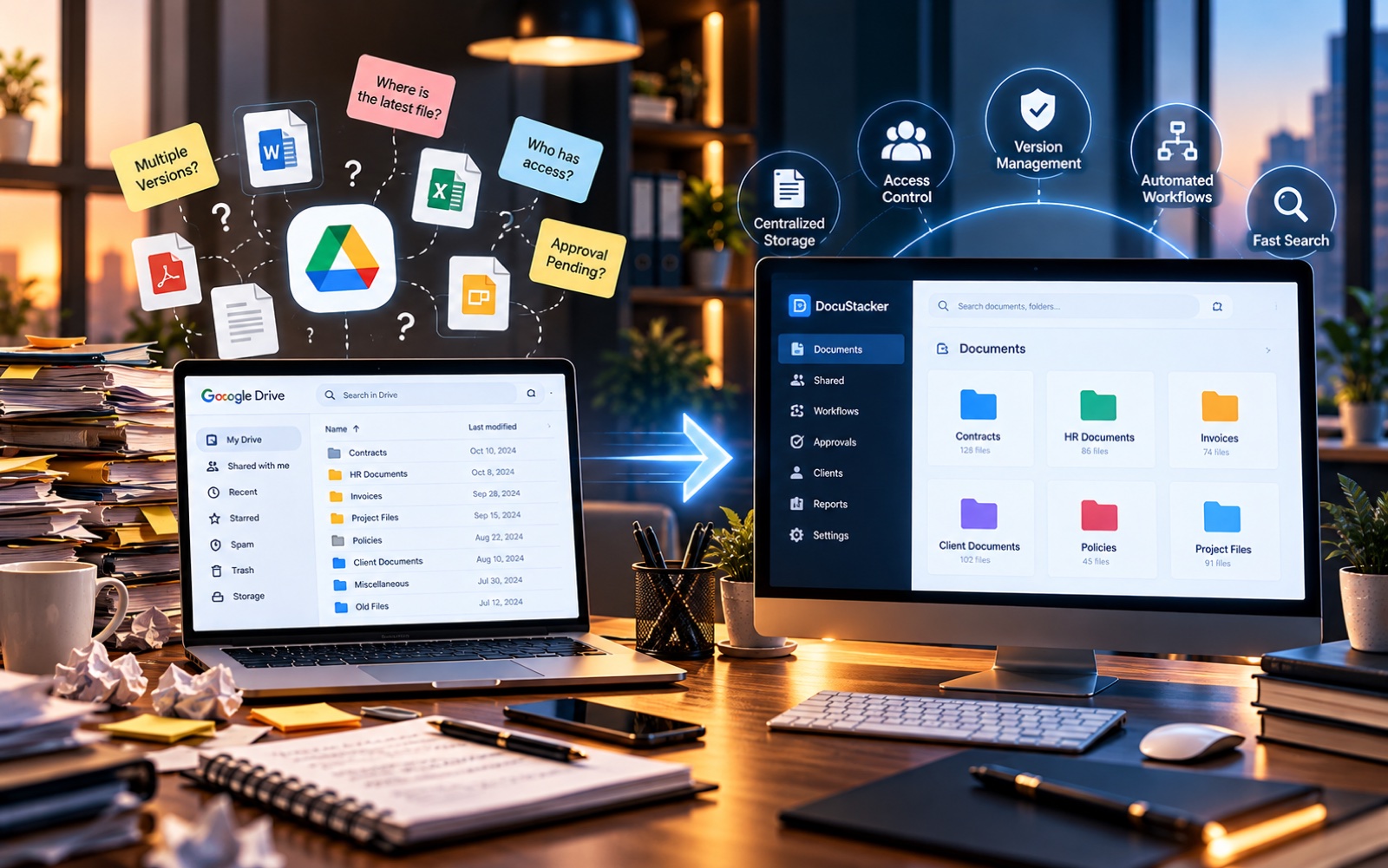
From a distance the two look similar, because both keep files in folders. The difference appears in everything that happens around the file.
| Task | Google Drive | Document Management System |
|---|---|---|
| Folder structure | Decided by each person | The same for every client |
| Expiry dates | Tracked by hand | Stored and flagged in advance |
| Client files | Emailed, then uploaded | Sent straight in by clients |
| Access | Set link by link | Set by role, in one place |
| Missing documents | Noticed when needed | Shown ahead of time |
How to Move Without Losing Anything
Migrations usually go wrong when a team tries to transfer every file in a single weekend. A gradual plan is safer and far less stressful:
- List what you hold. Note the main document types and which ones carry dates.
- Agree on one folder structure. Settle it before moving a single file.
- Start with active clients. Closed and archived work can wait, or simply stay in Drive.
- Add dates as you go. Every document that expires gets its date recorded on the way in.
- Set access by role. Decide who sees what before inviting the whole team.
- Keep Drive read-only for a month. People can still look things up, while new files go to the new system.
You don't have to abandon Drive completely. Many teams keep it for drafts and shared notes, and use a dedicated system for client records.
Where Software Fits In
If several of the signs above describe a normal week, a larger Drive plan won't solve the problem. What helps is a tool that tracks documents as well as storing them. DocuStacker is built around that idea: one folder structure for every client, access set by role, and expiry dates you can see in advance. You can see how it compares as a Google Drive alternative for business. For the underlying concept, read about the difference between a DMS and file management.
The Bottom Line
So, when to stop using Google Drive for document management? When documents carry dates you can't afford to miss, when clients keep sending the same paperwork by email, and when nobody can say who has access to what. Until then, Drive with a clear folder structure is a perfectly good choice. Beyond that point, the hours you lose are usually worth more than the money you save.