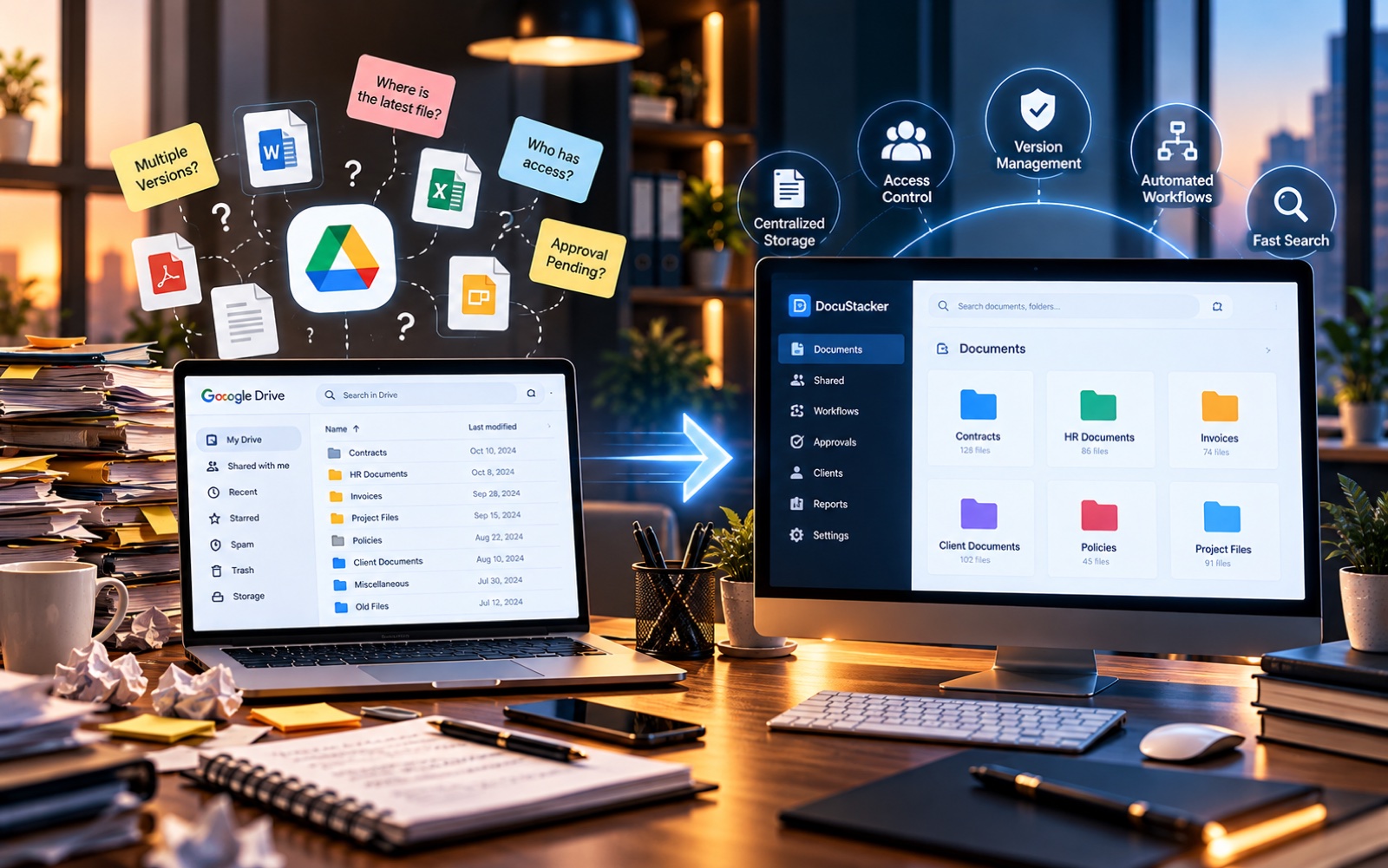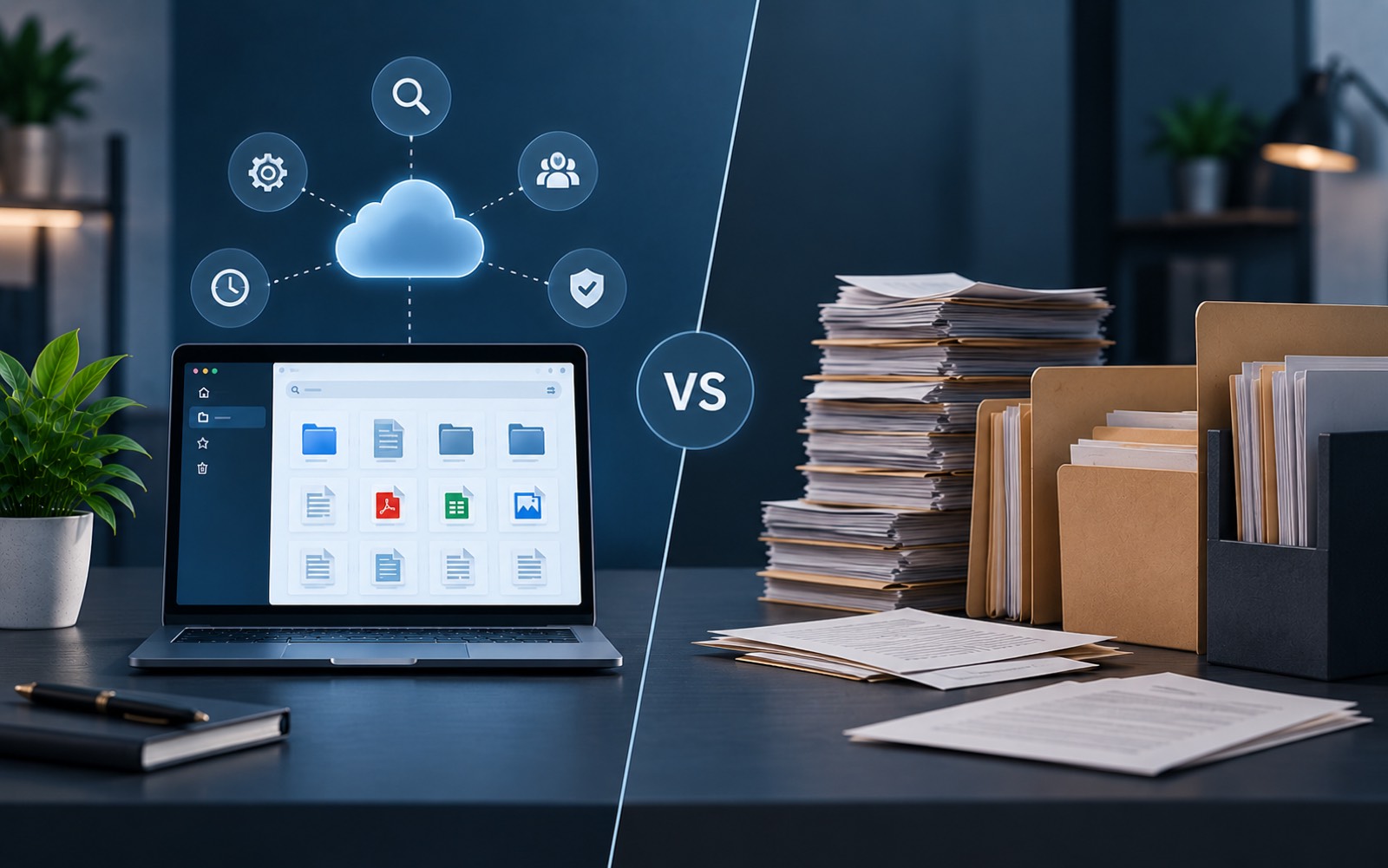
"File management" and "document management system" get used almost interchangeably, but they're not quite the same thing. A document management system vs file management comparison usually comes down to one key idea: file management is about where a file sits, while document management is about how a document is used, over its whole life.
What File Management Actually Means
File management, in the plain sense, is the ability to store, move, rename, and delete files. Every operating system does this by default. A folder on a computer is file management. So is a basic shared drive. It answers one question well: where is this file?
What a Document Management System Adds
A document management system builds on top of file storage with things file management alone doesn't handle:
- Metadata, like category, client, or date, attached to each document
- Search based on that metadata and often the file's content
- Access control at the document level, not just the folder level
- Version history, so changes over time are tracked
Put simply, file management vs DMS is the difference between a place to put things and a system that understands what those things are.
A Side-by-Side Comparison
| Capability | File Management | Document Management System |
|---|---|---|
| Store and retrieve files | Yes | Yes |
| Search by file name | Usually | Yes |
| Search by content or metadata | Rarely | Usually |
| Access control per document | Rarely | Usually |
| Version history | Limited or none | Usually built in |
Why the Distinction Matters
This isn't just a matter of terminology. Businesses that rely purely on file management, folders and a shared drive, tend to hit the same wall eventually. Files are easy to store, but hard to organize consistently. They also get harder to control access to as more people get involved.
Document organization within a real DMS solves this by applying structure automatically. Nobody has to depend on every person following the same manual habits indefinitely.
A Practical Example
Picture a signed contract. Under pure file management, that contract is a PDF sitting in a folder called "Contracts." Finding it later means remembering, or guessing, the exact folder and file name. Under a document management system, that same contract is tagged by client, date, and type. It's searchable by any of those details. Access is limited to people who should see it. If it's ever revised, the earlier version stays available alongside the current one.
This example is deliberately simple, but the pattern scales. The same gap shows up with invoices, HR files, and client records, just multiplied across however many documents a business actually handles.
The file itself hasn't changed. What changed is everything wrapped around it: how it's found, who can reach it, and what happens when it's updated.
Do You Need a Full DMS?
Not always, at least not right away. A very small operation with a handful of files might do fine with careful file management for a while. The signal to look at a document management system usually shows up as document volume, number of people involved, or sensitivity of the files, contracts, financial records, increases.
Where the Line Gets Blurry
Some cloud storage tools sit in between. They're more capable than a plain folder, but not purpose-built around business documents the way a dedicated DMS is. It's worth judging a specific tool on what it actually does, rather than assuming a label like "cloud storage" or "document management" tells you everything.
How to Tell Which One You're Actually Using
A quick way to check: try answering who has access to a specific sensitive document right now, and how you'd know if that changed. If the honest answer is "I'm not sure," that's usually a sign the current setup is still file management, whatever it happens to be called.
Can the Two Work Together?
In practice, yes, and they usually do. A document management system still relies on some form of underlying file storage. The difference is that the DMS layer adds structure, search, and access rules on top of it, rather than leaving those decisions to whoever happens to be saving a file that day.
This is worth knowing because it reframes the choice. It isn't "file management or document management." It's "plain file storage, or that same storage with a system built around it."
Signs You've Outgrown File Management Alone
- You can't quickly say who has access to a specific sensitive document
- Searching means opening folder after folder, not typing a keyword
- More than one version of a document exists, and it's unclear which is current
- New team members struggle to find anything without asking someone first
None of these problems mean file management "failed." It just means the business has grown past what it was ever designed to handle.
In Short
File management answers "where is this file?" A document management system answers that too. It also answers who can access it, what's changed, and how to find it by what it's about, not just its name. DocuStacker's document management software is built specifically to answer that second, broader set of questions.