Paper filing vs digital documents isn't really a fair fight anymore for most businesses. But it's still worth being specific about why, rather than assuming digital wins by default. This article looks honestly at where paper document management still holds up, and where it tends to break down.
What Paper Filing Still Does Well
It's easy to dismiss paper entirely, but a few of its strengths are real:
- No dependence on power, software, or a working device to read a document
- Some documents legally require a physical, signed original
- No learning curve, everyone already knows how a filing cabinet works
For a very small number of documents, these advantages can outweigh the effort of digitizing them. That's a reasonable, specific exception. It isn't a case for keeping everything on paper.
Where Paper Breaks Down
The problems tend to show up as volume grows:
- Physical records can only exist in one place at a time
- Searching means physically flipping through folders
- Damage, loss, or misfiling is permanent, there's no backup copy
- Sharing a document means photocopying it or handing over the original
None of these are dramatic failures on their own. But they add up as a business handles more documents, and more people need access to them.
A Closer Look at the Cost of Paper
Paper carries costs that are easy to overlook because they're spread out, rather than billed all at once. Physical storage space costs money, whether that's filing cabinets, a storage room, or an offsite facility for older records. Staff time spent walking to a cabinet, searching by hand, and refiling afterward is real time, even if it never gets logged as a task.
None of this means paper is a bad choice for every use. It means the true cost of paper filing is usually higher than it first appears, since so much of it is hidden in daily habits rather than a single expense.
What Digital Filing Solves
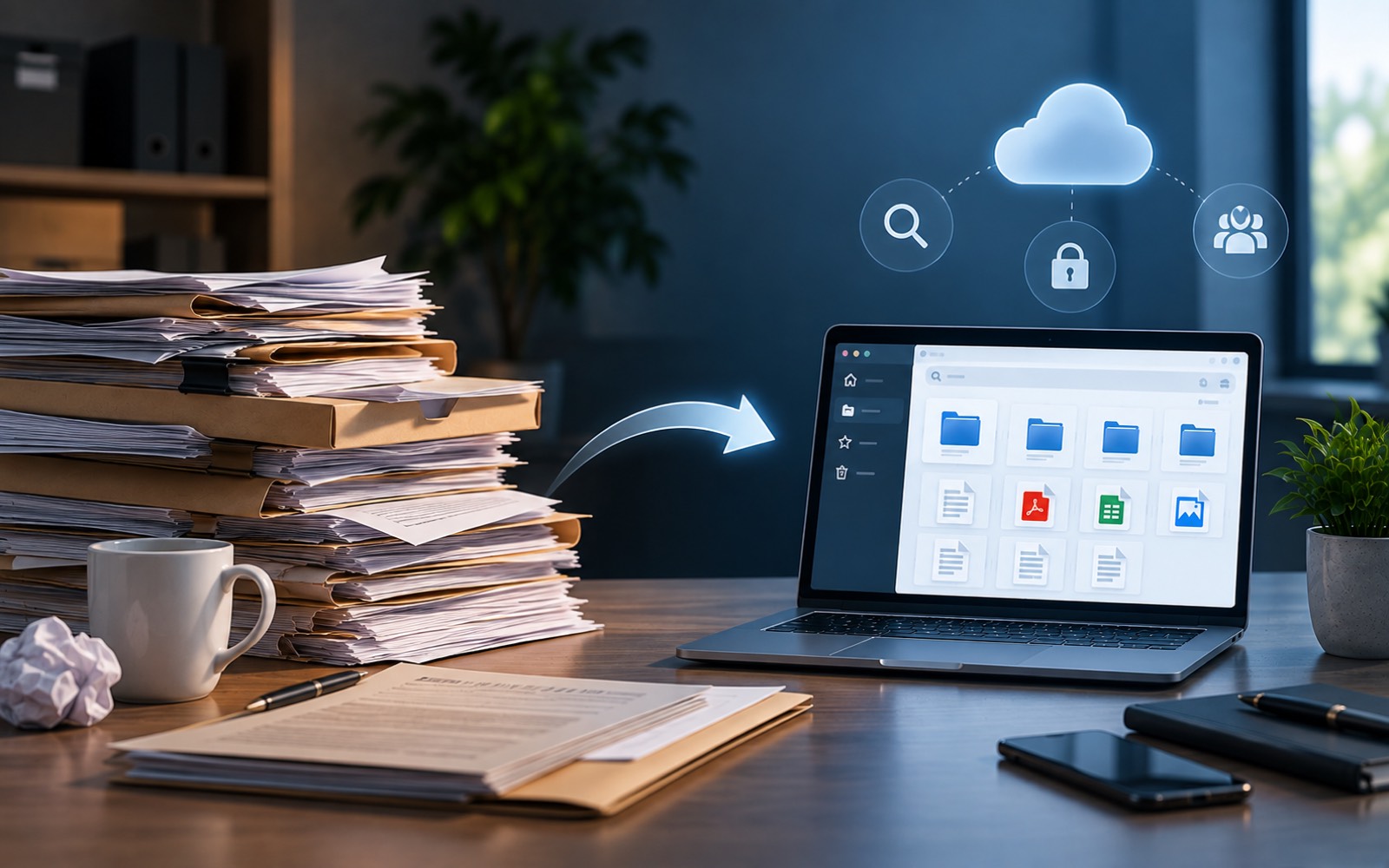
Digital filing addresses each of paper's weak points directly. A digital document can be searched instantly, backed up automatically, and shared with the right person without ever leaving its original location. It can also be duplicated safely, something paper simply can't do without physically copying it.
A Direct Comparison
| Paper Document Management | Digital Filing | |
|---|---|---|
| Searchability | Manual, by hand | Instant, by keyword |
| Backup | None, unless duplicated physically | Usually automatic |
| Remote access | Not possible | Standard |
| Sharing | Requires physical copy or original | Instant, controlled access |
| Storage space | Physical space required | Minimal physical footprint |
The Real Question Isn't Paper vs. Digital
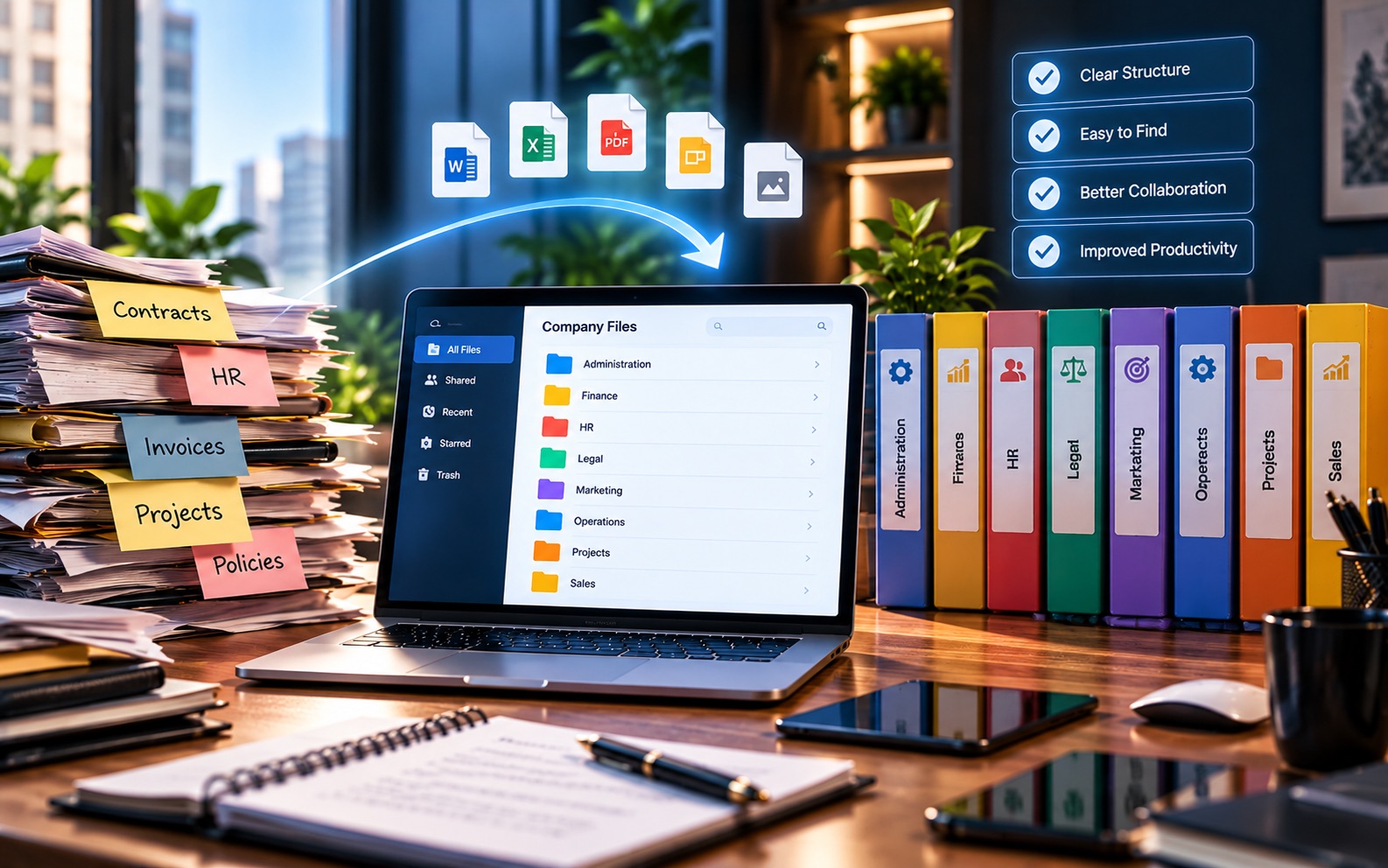
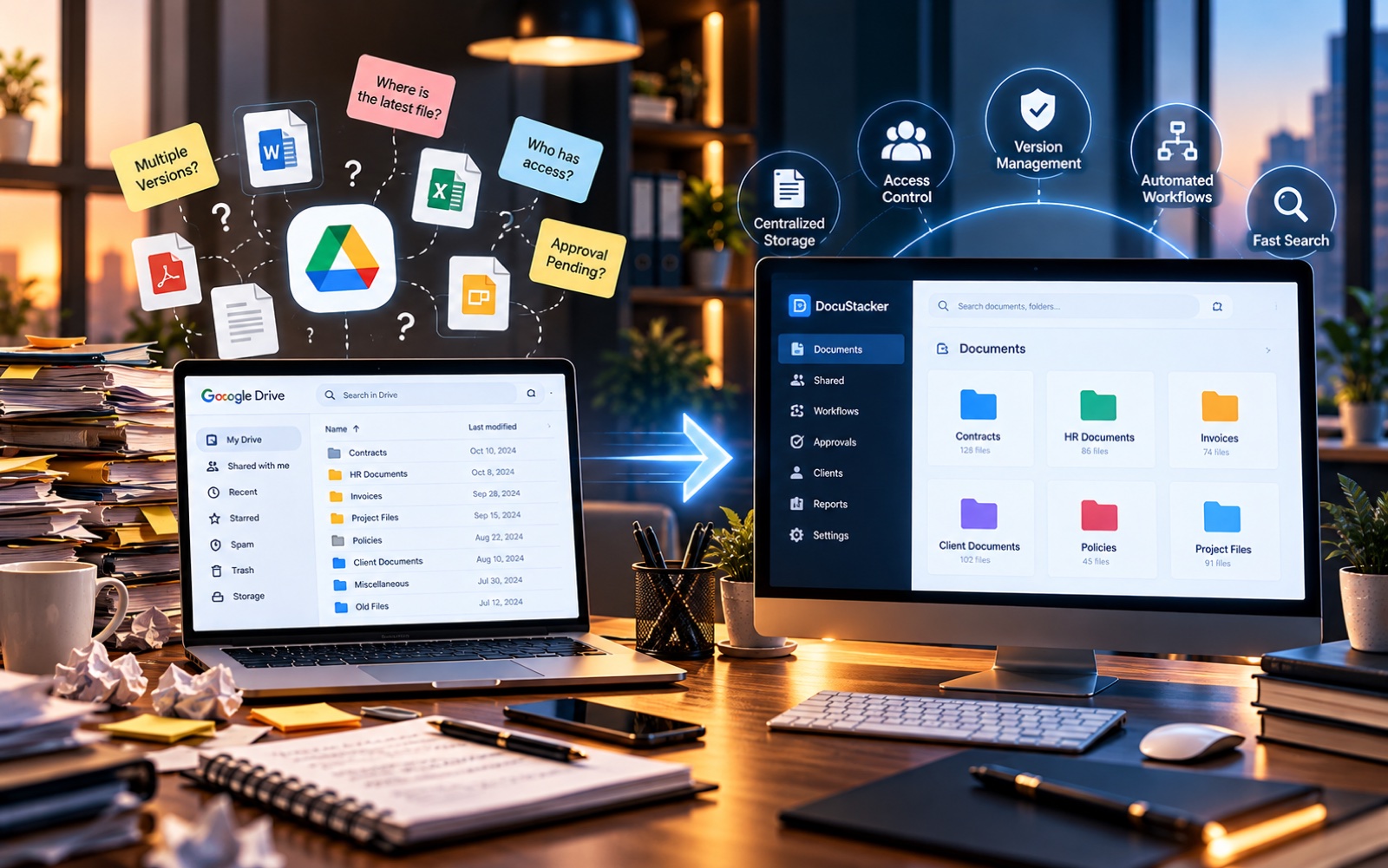
For most businesses today, the more useful question isn't whether to go digital. It's how to do it without just creating a disorganized folder of scanned PDFs instead of a disorganized filing cabinet. Digitizing paper records solves the physical problems, but not the organization problem, unless it's paired with some system for structuring the results.
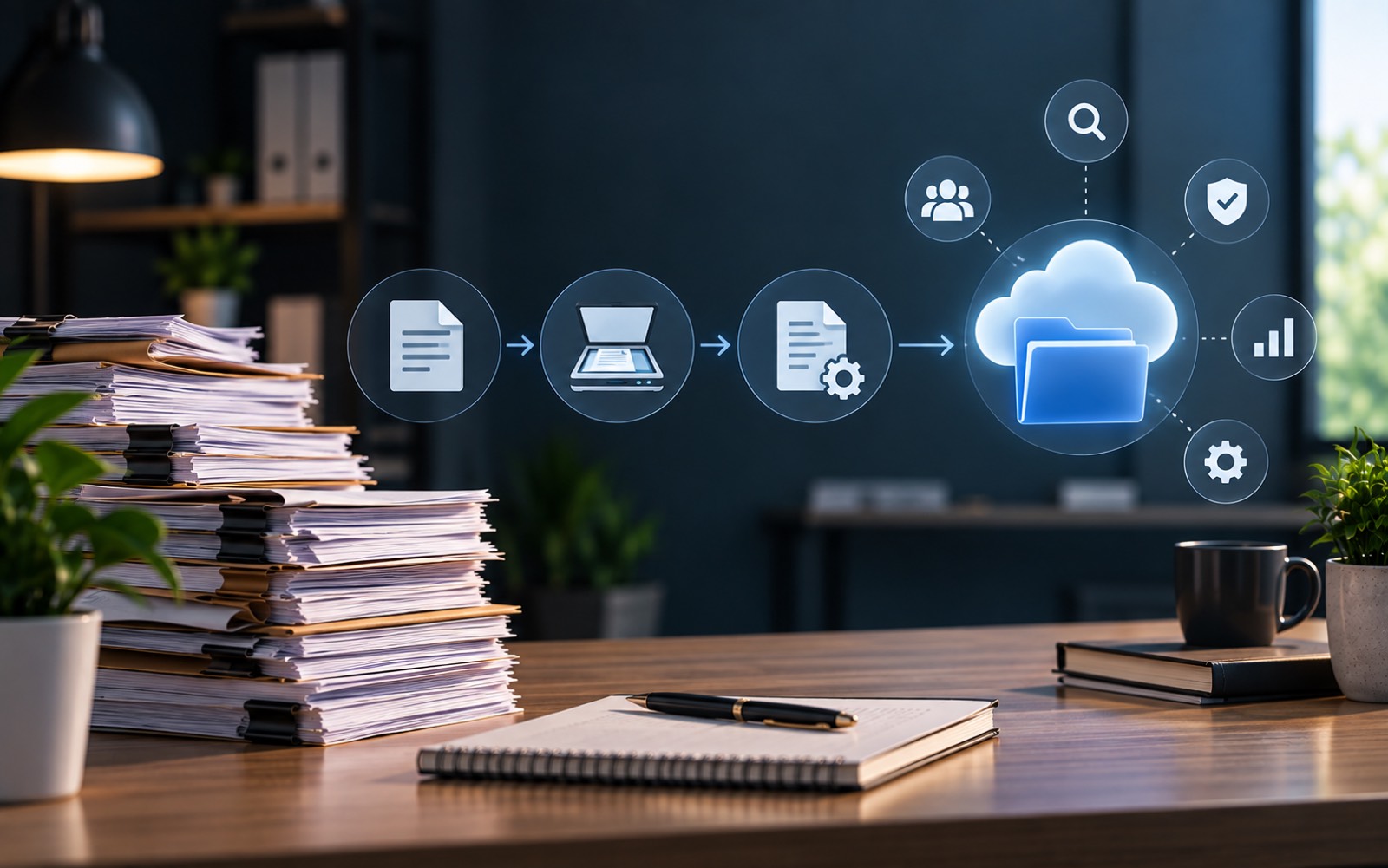
How Businesses Usually Make the Switch
- Identify which paper records are still actively used
- Scan and digitize those first, rather than everything at once
- Apply consistent categories and naming as documents are digitized
- Decide what to do with paper originals: archive, shred, or retain per policy
Digitizing gradually, starting with active documents, is usually more manageable than attempting to convert years of archives all at once.
Common Mistakes When Digitizing
A few patterns cause more trouble than the digitizing itself:
- Scanning everything at once, with no plan for organizing it afterward
- Naming scanned files by date only, with no client or category attached
- Keeping both paper and digital as the "real" copy, with no clear rule for which one wins
- Shredding originals before confirming scans are complete and readable
Most of these mistakes come from treating digitizing as the finish line, rather than the starting point for a properly organized system.
A Note on Photos and Scanned Images
Not everything that gets digitized is text. Construction sites, insurance claims, and property records often involve photos alongside paperwork. These deserve the same organizing thought as any other document: a consistent way to tag them by date, project, or subject, rather than a folder full of unlabeled image files that are just as hard to search as the paper they replaced.
What About Documents That Must Stay on Paper?
Some documents genuinely need to remain physical. This is usually for legal or regulatory reasons specific to an industry or jurisdiction. It's worth confirming which categories actually require this. Don't assume an entire filing cabinet must stay untouched. In many cases, only a small subset of documents carries that requirement. Everything else can move to digital filing without issue.
A simple starting point is to sort existing paper into two piles: documents that must legally stay physical, and everything else. The second pile is usually far larger, and it's the one worth digitizing first.
Where This Leads
Once documents are digital, the next question is usually how to keep them organized, which is a separate problem from simply having them in digital form. That's the gap document management software is built to close. DocuStacker's document management software picks up exactly where digitizing leaves off: giving digital records a consistent, searchable structure instead of just a folder full of scans.