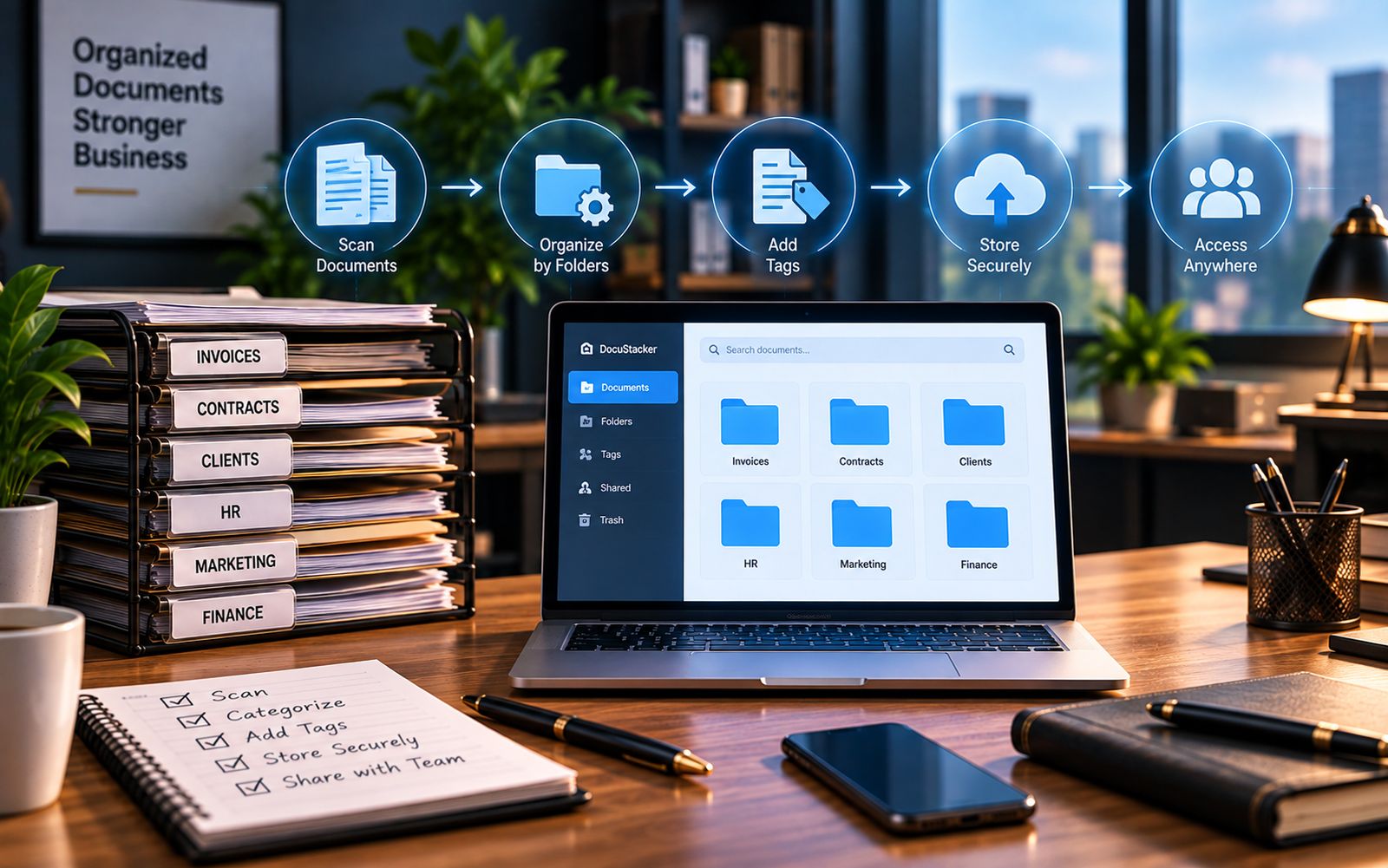
If you've searched this question, you've probably already felt the problem: files are scattered, and nobody is fully sure where the current version of something lives. So what is document management for small business, really? This article answers that in plain terms, without the marketing language that usually surrounds it.
A Simple Definition
Business document management is a system that gives every file a clear home, a way to find it fast, and a rule about who gets to see it. For a small team, that usually means contracts, invoices, HR records, and client files living in one place, sorted the same way every time, instead of spread across a laptop, an inbox, and a shared drive.
That's the whole idea. It isn't a complex enterprise concept. It's closer to a filing cabinet that sorts itself and that everyone on the team can search at once. Nothing about it requires a technical background to use day to day.
What It Is Not
It helps to rule out a few things first, since the term gets used loosely:
- It is not the same as general cloud storage, which just holds files without adding structure
- It is not a tool only large companies use; small teams use lighter versions of the same idea
- It is not about scanning every old paper file on day one
- It is not a replacement for whatever software your team already uses to do the actual work
Folders vs. a Small Business DMS
A shared drive and a dedicated system can look similar from a distance. The difference shows up once a few things happen: a new hire joins, a client calls asking for an old contract, or two people edit the same invoice without knowing it.
| A Shared Drive | A Small Business DMS |
|---|---|
| Structure depends on whoever saves the file | Structure stays the same by default |
| Finding a file means remembering a folder path | Finding a file means typing a name or client |
| Anyone with drive access sees everything | Access can be set file by file |
| Versions get copied and renamed by hand | One current version, tracked automatically |
How It Actually Works, Step by Step
- A file comes in. It arrives by upload, email, or scan.
- It gets filed automatically. Business document management sorts it into a folder by type or client.
- It becomes searchable. Anyone on the team can find it by name, client, or keyword.
- Access is set. Sensitive files, like payroll or contracts, stay limited to the right people.
- It stays put. The next person who needs it finds the same file in the same place.
Why the Need Shows Up Gradually
Most small businesses don't start the day they open with a formal system, and that's normal. A two-person shop with a dozen files can manage fine with a folder. The need tends to appear later: more clients, more staff, or simply more files than any one person can remember the location of.
A useful signal is time, not size. If someone on the team spends ten or fifteen minutes a week hunting for a document that should take ten seconds to find, that's usually the point where a small business DMS starts paying for itself. The same signal applies whether the business has five employees or fifty.
A Common Scenario
A small bookkeeping firm takes on its twentieth client. Files that used to live in five labeled folders now spread across twenty, each organized slightly differently depending on who set it up. A staff member covering for a sick coworker can't find last year's return for a client on the phone. With a proper system, the same request takes a search box and a few seconds, regardless of who set the folder up originally.
What to Expect From a Lightweight Setup
A small business doesn't need the same setup as a thousand-person company. A workable version usually includes a handful of default folders for common document types, search across all of them, and simple access rules for the few files that need to stay private. Everything beyond that, like approval workflows or audit trails, matters more for larger teams than for most small businesses just starting out.
Where Software Fits In
You can build a rough version of this with folders and a naming convention, and plenty of small teams start there. A dedicated tool just applies the structure automatically instead of depending on everyone remembering the rules. DocuStacker's document management for small business is built around exactly this: a default structure on day one, search across everything, and access set file by file. For the organizing side specifically, see how small businesses can organize documents.
The Bottom Line
What is document management for small business, in short? It's a system that replaces scattered folders with one organized, searchable home for the paperwork a small team handles every week. It doesn't need to be complicated, and for most small businesses, it doesn't need to happen all at once.