Not every small business needs a dedicated system on day one, and it's worth saying that plainly before going further. But there's usually a point where the answer changes from "not yet" to "yes, clearly." This article looks at how to tell where your business actually stands.
Why This Question Comes Up
Small business document management often gets treated as an all-or-nothing decision, when it's really a question of timing. A two-person shop with a handful of recurring clients may do fine with a simple shared folder. The same business, three years and forty clients later, usually doesn't.
Signs You're Not There Yet
- You can find any document within a minute or two, without help
- Only one or two people ever need to access most files
- Document volume has stayed roughly flat for a while
If all three are true, a business document management system may be more structure than you currently need. That's a perfectly reasonable place to be.
Signs You've Outgrown Folders
- You regularly search for a file and can't remember where it went
- Two people have edited separate copies of the same document without realizing it
- New hires struggle to find anything without asking someone first
- Nobody's fully sure who can edit certain sensitive files
Any one of these on its own might just be a bad week. Several of them, happening regularly, usually means the current system has stopped scaling with the business.
What Changes With a Dedicated System
A small business DMS doesn't need to be complicated to be useful. In practice, it usually changes three things:
Consistent Organization
Documents get sorted the same way every time. Nobody has to depend on whoever happened to upload a file that day.
Faster Search
Finding a document becomes a matter of typing a name or client into a search bar. Nobody has to remember a folder path.
Clearer Access Rules
Sensitive documents, contracts, financial records, HR files, can be limited to the right people. Everything else stays just as easy to reach.
Cost Is a Real Factor, Not Just a Feeling
It's fair for a small business to weigh cost carefully before adding another tool. The more useful question isn't "can we afford this." It's "what is the current disorganization actually costing us." That shows up as time spent searching, mistakes made with outdated versions, or risk from loose access control. That cost is real, even when it doesn't show up on an invoice.
What a Small Business Doesn't Need
It's worth being specific about what small business document management doesn't require. It doesn't require a dedicated IT person, a lengthy rollout, or a system built for a thousand-person company. Plenty of tools built for large enterprises add complexity that a small team never uses, and that complexity itself can slow a team down rather than help it.
The right fit for a small business is usually simple on purpose: enough structure to solve the real problems, without extra steps that only make sense at a much larger scale.
A Gradual Way to Start
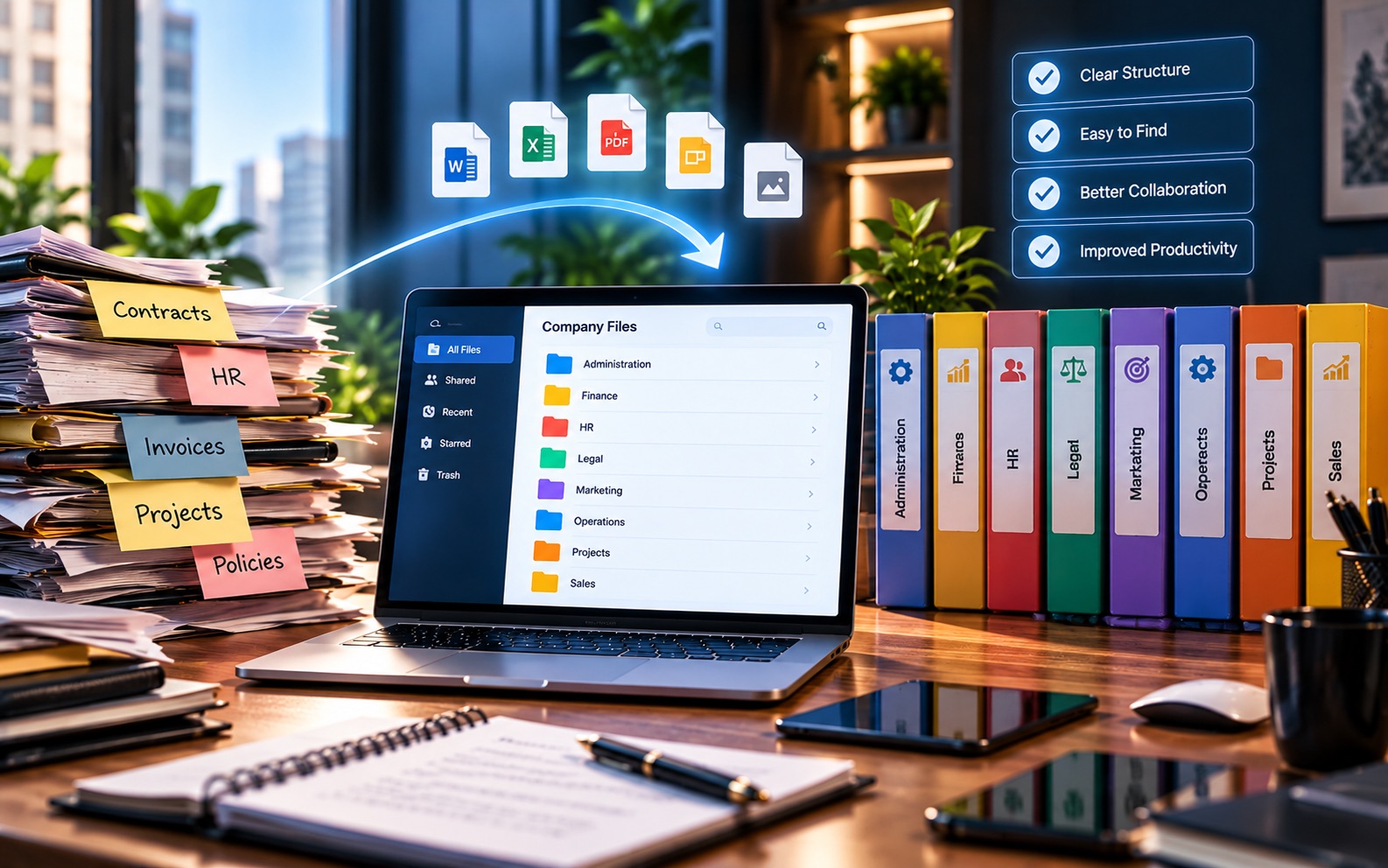
Adopting document management doesn't have to mean moving every file on day one. Many small businesses start with just their most active, most searched-for documents, contracts, current client files, and financial records, and expand from there. This keeps the initial effort manageable, while still solving the most pressing problems first.
Involving the Whole Team, Not Just One Person
A small business system works best when everyone actually uses it the same way. If only one person follows the new structure while others keep saving files the old way, the business ends up with two systems instead of one, which usually feels worse than the original problem.
A short conversation with the team, agreeing on where new documents go and who has access to what, tends to matter more than any specific software feature. The tool makes consistency easier to maintain. It doesn't replace the initial agreement on how things should work.
A Practical Way to Decide
If you're unsure, a simple test helps: pick one folder your team uses often. Ask who can edit it, and how you'd know. Ask how long it would take to find last year's version of a specific document in it. If those questions are hard to answer quickly, that's a reasonably strong signal.
What Happens If You Wait Too Long
Waiting isn't automatically a mistake, but it does have a cost that tends to grow quietly. The longer a business waits after the signs above start showing up, the more documents there are to sort through later, and the more ingrained bad habits become. A cleanup that would take an afternoon at fifty documents can take days at five thousand.
This doesn't mean every business should act the moment one sign appears. It just means the cost of waiting isn't zero, even if it doesn't feel urgent yet.
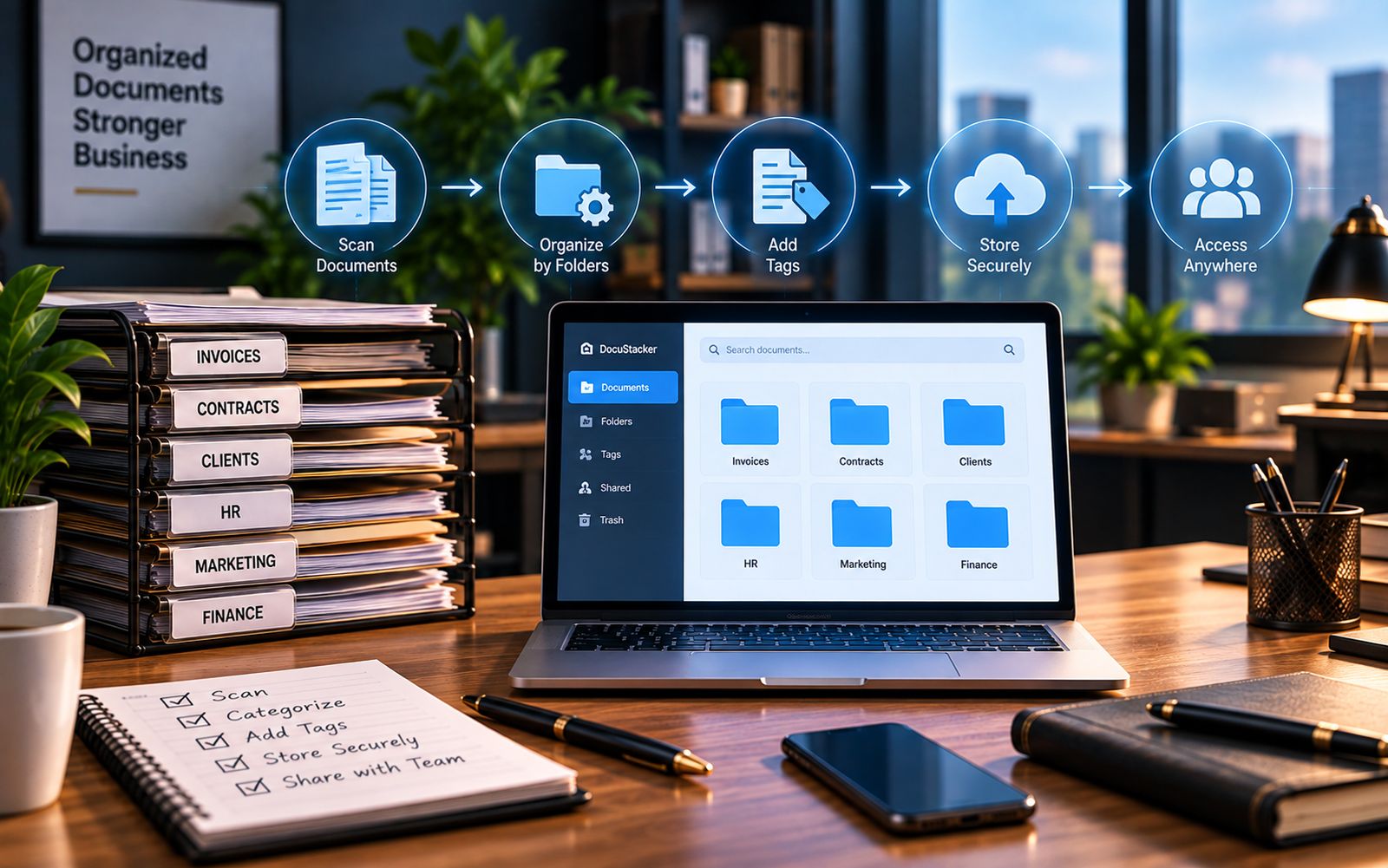
DocuStacker's document management for small businesses was built around exactly this stage: teams that have outgrown folders, but don't need, or want, an enterprise-scale system to fix it.
The Bottom Line
Small businesses don't all need document management at the same point, and that's fine. What matters is recognizing the signals honestly, rather than either ignoring them for too long or adding complexity before it's actually needed.