Every team keeps its documents somewhere. The real question is whether that is one agreed place or a dozen scattered ones. So, what is a document repository? It is one central place where a team keeps its documents, so everyone can find and open the right copy. This article explains what the term means and how it differs from a file repository. It also gives examples and habits that keep one useful.
Document Repository Meaning, in Plain Words
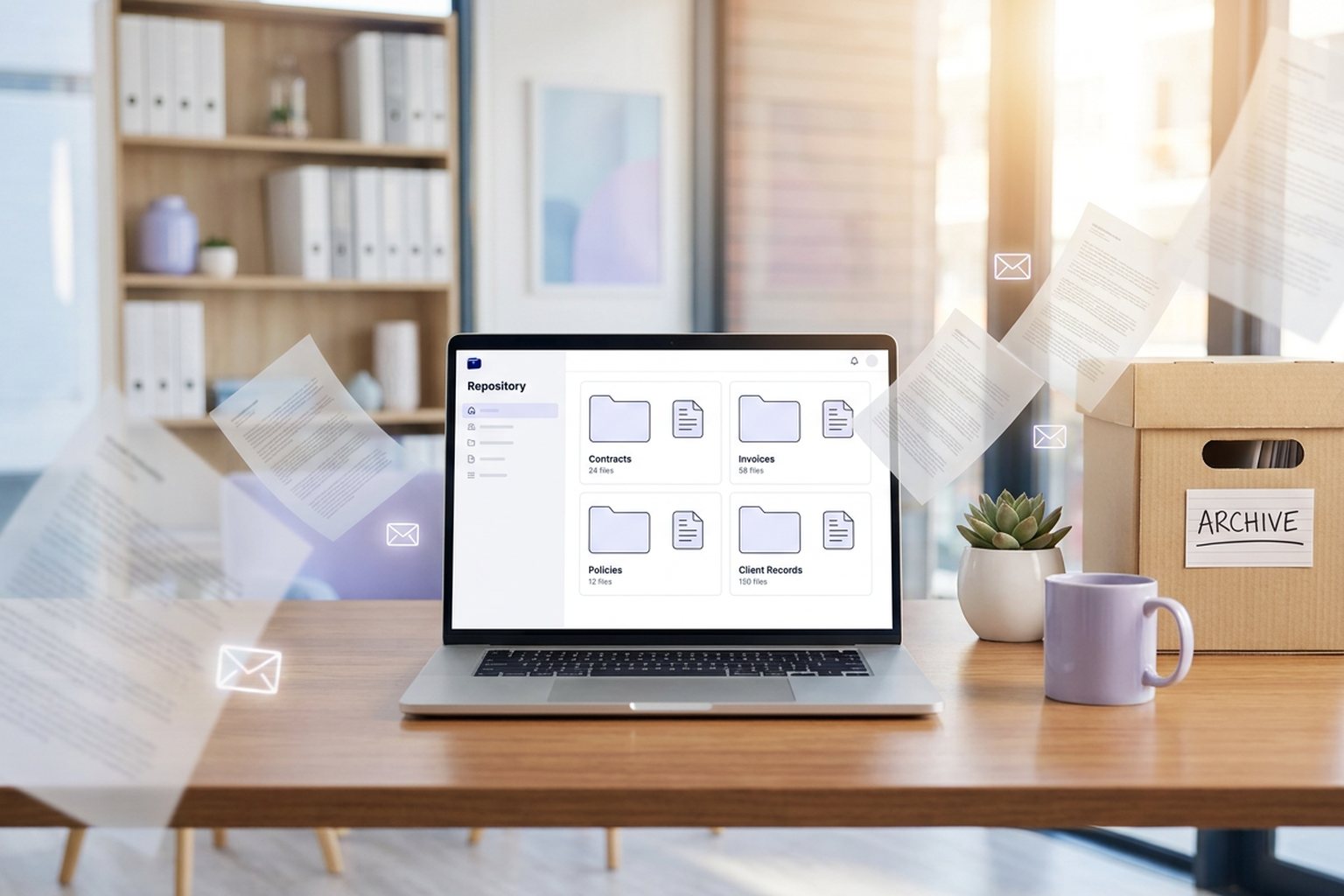
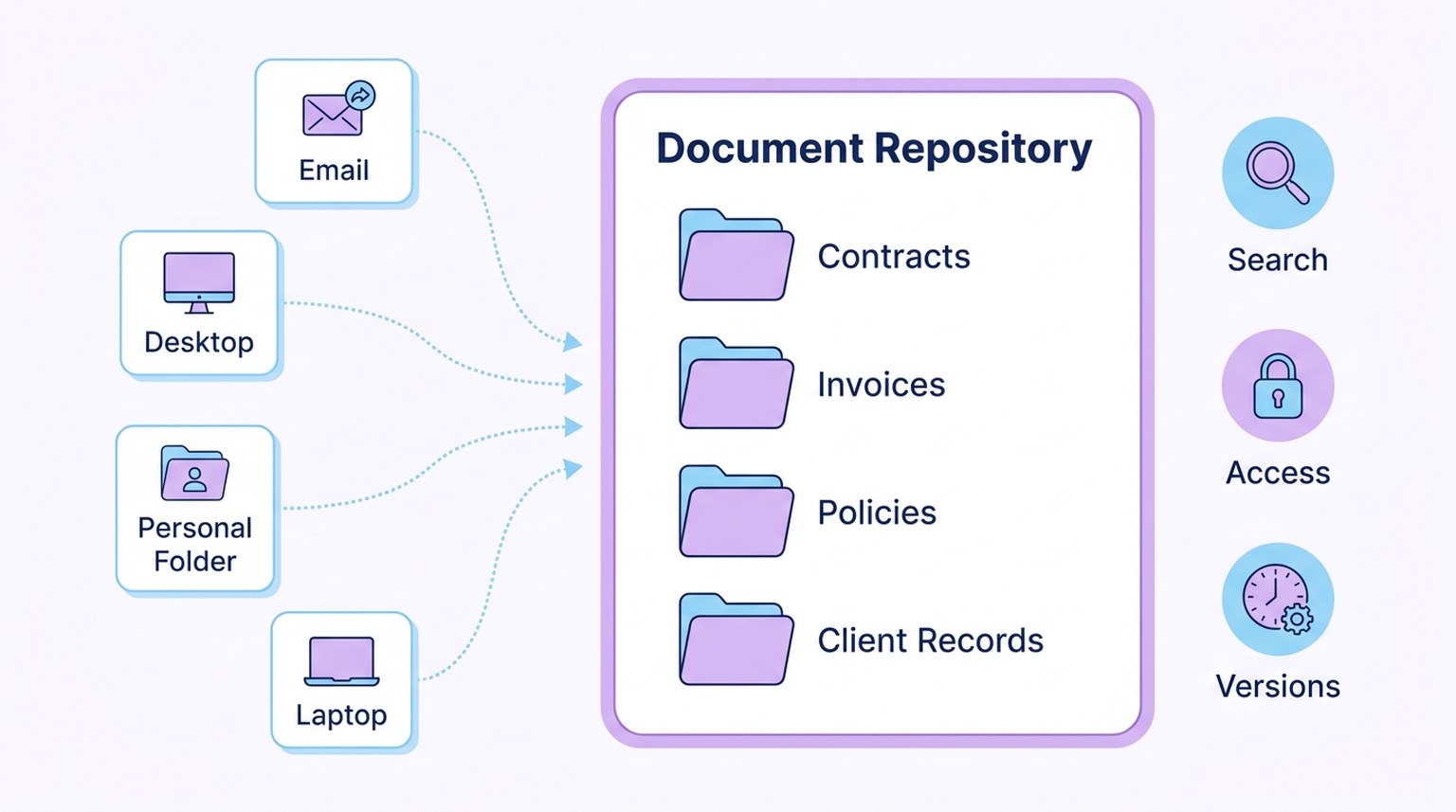
The document repository meaning is easy to see if you split the term in two. The word repository just means a place where things are kept. A document repository applies that idea to the papers a business runs on. Think contracts, invoices, policies, and client records. In short, it is the one place your team goes to first.
What turns a storage space into a repository is agreement. Everyone knows this is where documents live. Everyone uses the same folders. And everyone trusts that the copy they open is the latest one. A centralized document repository ends the habit of saving files to desktops and inboxes.
Why a Document Repository Matters
When files live in many places, small problems add up. Two people edit two copies of the same contract. A new hire spends a morning asking where things are. A client waits while someone digs through old email.
A document repository fixes this by giving every file one home. People spend less time searching. They get more time for real work. It also shows who can open what. That matters for private records.
Document Repository vs. File Repository
People often use the two terms as if they mean the same thing. There is a useful difference, though. A file repository can hold any kind of file, from images and videos to raw data. Developers use one to store code and the files needed to build an app.
A document repository is narrower. It holds business documents. It is set up around how a team works, such as by client, project, or team. It also tracks things a plain file store skips. Who can open this contract? Which copy of a policy is the latest?
Common Document Repository Examples
A repository does not need fancy software. These document repository examples run from simple to structured:
| Type | Example | Works Best When |
|---|---|---|
| Shared network drive | A company drive in the office | A small team works in one place |
| Cloud storage folder | A shared folder anyone can reach online | People work remotely and need simple access |
| Team wiki or intranet | An internal site with pages and files | Guides and policies matter more than files |
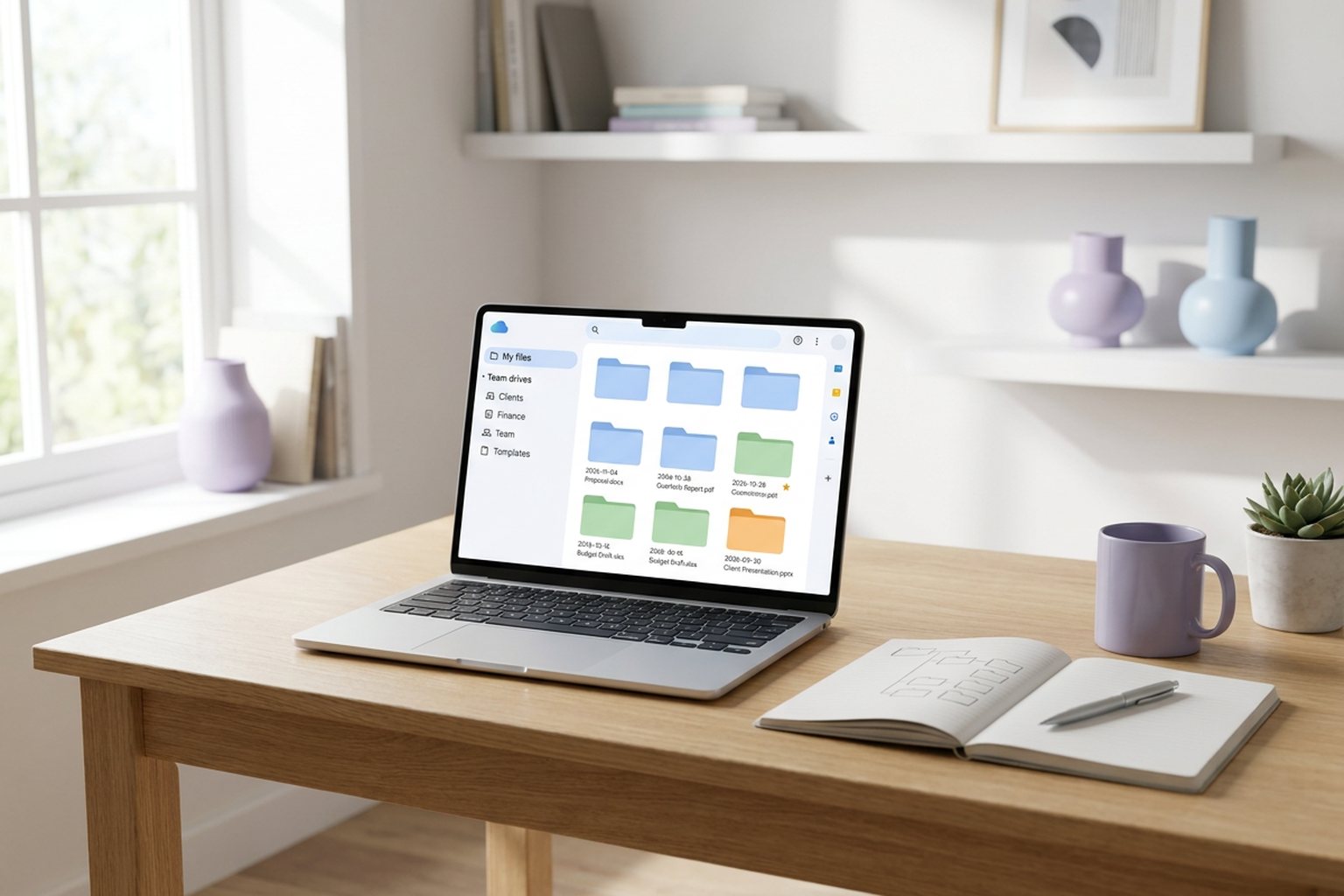
| Dedicated document tool | A tool built around clients or projects | Files need dates, access rules, and tracking |
What a Good Repository Includes
Whatever form it takes, a useful repository has the same few parts:
- One agreed place that the whole team uses.
- A clear folder layout that rarely changes.
- Search that finds a file by its name or by what is inside it.
- Access rules, so private files stay with the right people.
- Version history, so an older copy is never lost.
- Rules for how long each kind of document is kept.
Document Repository Best Practices
A repository only stays useful if people use it the same way. These document repository best practices help:
- Agree on the top folders first. Keep that list short.
- Use one naming pattern. Files then sort and search well.
- Give the repository an owner. That person decides on new folders and rules.
- Set access by role. It is easier than setting it file by file.
- Keep one current version. Let the history hold older drafts.
- Review it each month. Move stray files and remove old access.
A Common Scenario
A ten-person design studio keeps briefs in email, contracts on two laptops, and invoices in a cloud folder. When a project manager goes on leave, nobody can find the final copy of a key contract. The team then spends one afternoon agreeing on one repository, five top folders, and a naming pattern. The next person who needs that contract finds it in a minute.
Where Software Fits In
Many teams build their first repository with a shared folder and a short written guide. That is a sensible start. As you add clients, a tool that sets up the structure for you saves time. DocuStacker gives every client the same set of folders, keeps earlier versions, and controls access by role. For help with the layout itself, see our guide to choosing a folder layout your whole team can follow.
The Bottom Line
What is a document repository? It is one agreed home for a team's documents. It has a clear structure, sensible access rules, and one current version of every file. It can start as a simple shared folder. What matters most is that everyone uses it, and that someone looks after it. Start small, agree on the rules, and build from there.