It's a fair question, and one worth asking before moving business documents anywhere: is cloud document management secure? The honest answer is that it depends less on "the cloud" as a concept, and more on how a specific system is built and used. This article breaks down what actually determines cloud document security, so the question becomes easier to answer for any system you're considering.
What "The Cloud" Actually Means Here
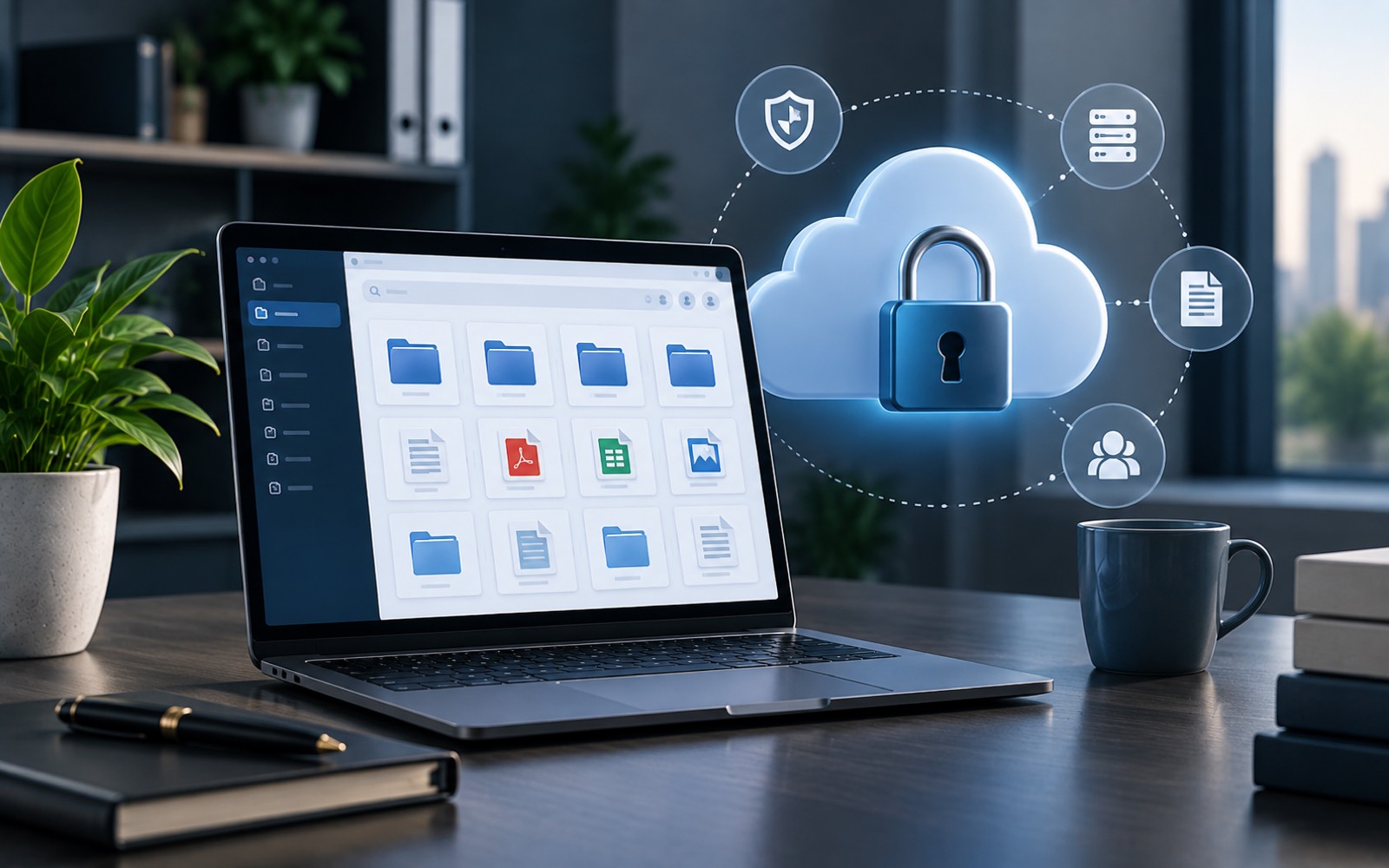
Cloud document storage simply means files live on remote servers, accessed over the internet, rather than on one office computer or local server. That's it. It says nothing on its own about how secure those files are, the same way "a filing cabinet" says nothing about whether it's locked.
This distinction matters because the word "cloud" sometimes gets treated as a security feature by itself. It isn't. It's a description of where a file physically lives, not a judgment about who can reach it.
What Actually Determines Security
A few factors matter far more than the fact that files happen to be stored online:
Access Control
Who can view, edit, or share a given document? Systems that let you set access at the document level, rather than making everything open to everyone by default, give you real control over secure online documents, regardless of where they're physically stored.
Encrypted Transmission and Storage
Reputable cloud systems encrypt data both while it's being transferred and while it's sitting in storage. This means a document intercepted in transit, or accessed without authorization at rest, isn't simply readable as plain text.
Authentication
How someone proves they're allowed into the system matters. A single shared password is weaker than individual accounts, and weaker still than accounts protected by two-factor authentication.
Audit Visibility
Being able to see who accessed or changed a document, and when, doesn't prevent every problem, but it makes it possible to notice and respond to one.
What Businesses Get Wrong About Cloud Security
One common mistake is assuming a well-known provider automatically means strong security for a specific business's documents. A cloud platform can be built securely and still be configured poorly by whoever sets it up. Broad sharing links, weak passwords, and accounts that never get removed after someone leaves are usually the real source of a problem, not the underlying cloud infrastructure itself.
The reverse mistake also happens: assuming cloud storage is inherently riskier than keeping files locally. A laptop with no password, sitting in an unlocked office, isn't automatically safer just because it's not "in the cloud." Physical access is its own kind of risk, one that cloud storage removes rather than adds.
Cloud vs. Local Storage: A Fair Comparison
| Local Storage | Cloud Document Management | |
|---|---|---|
| Physical risk | Vulnerable to device loss, theft, or damage | Not tied to one device |
| Remote access | Limited without extra setup | Built in, by design |
| Backup | Depends on manual habits | Usually handled by the provider |
| Access control | Often informal (shared folders) | Can be set per document |
Neither column is automatically "more secure" in the abstract. A poorly configured cloud system can be worse than a well-controlled local one, and vice versa. The details matter more than the category.
Questions Worth Asking Before You Move Documents
- Can access be set per document, or only per folder?
- Is data encrypted both in transit and at rest?
- Can you see a record of who accessed a document, and when?
- What happens to access when an employee leaves the business?
These questions apply whether you're evaluating a general cloud storage tool or a purpose-built document management system. The answers usually tell you more than a vendor's marketing claims do.
What About Compliance?
Different industries carry different rules around how records must be stored and protected. Rather than assuming any specific system meets a particular regulation, it's worth confirming directly, since requirements vary by industry and by location. A vendor should be able to speak clearly to this rather than leaving it vague.
Where Dedicated Systems Differ
General-purpose cloud storage is designed to hold files of any kind. A system built specifically for business documents tends to put more emphasis on document-level access control and structured organization, since that's the actual job it's designed for. DocuStacker's cloud document management approach reflects that focus. It centralizes documents while giving businesses control over exactly who can reach each one.
A Simple Way to Judge Any System
Rather than asking "is this cloud system secure" in the abstract, it helps to ask a narrower question: does it let me control access at the level that actually matters for my documents? For a business handling contracts, financial records, or client files, that usually means access set per document, not just per broad folder.
If a system can answer that clearly, along with the encryption and audit questions above, the fact that it happens to be cloud-based becomes far less important than how it's actually configured and used day to day.
The Short Answer
Cloud document management can absolutely be secure, but security isn't automatic just because files are stored online. It comes down to access control, encryption, authentication, and visibility. Those are the same fundamentals that matter for any document storage, cloud-based or not.