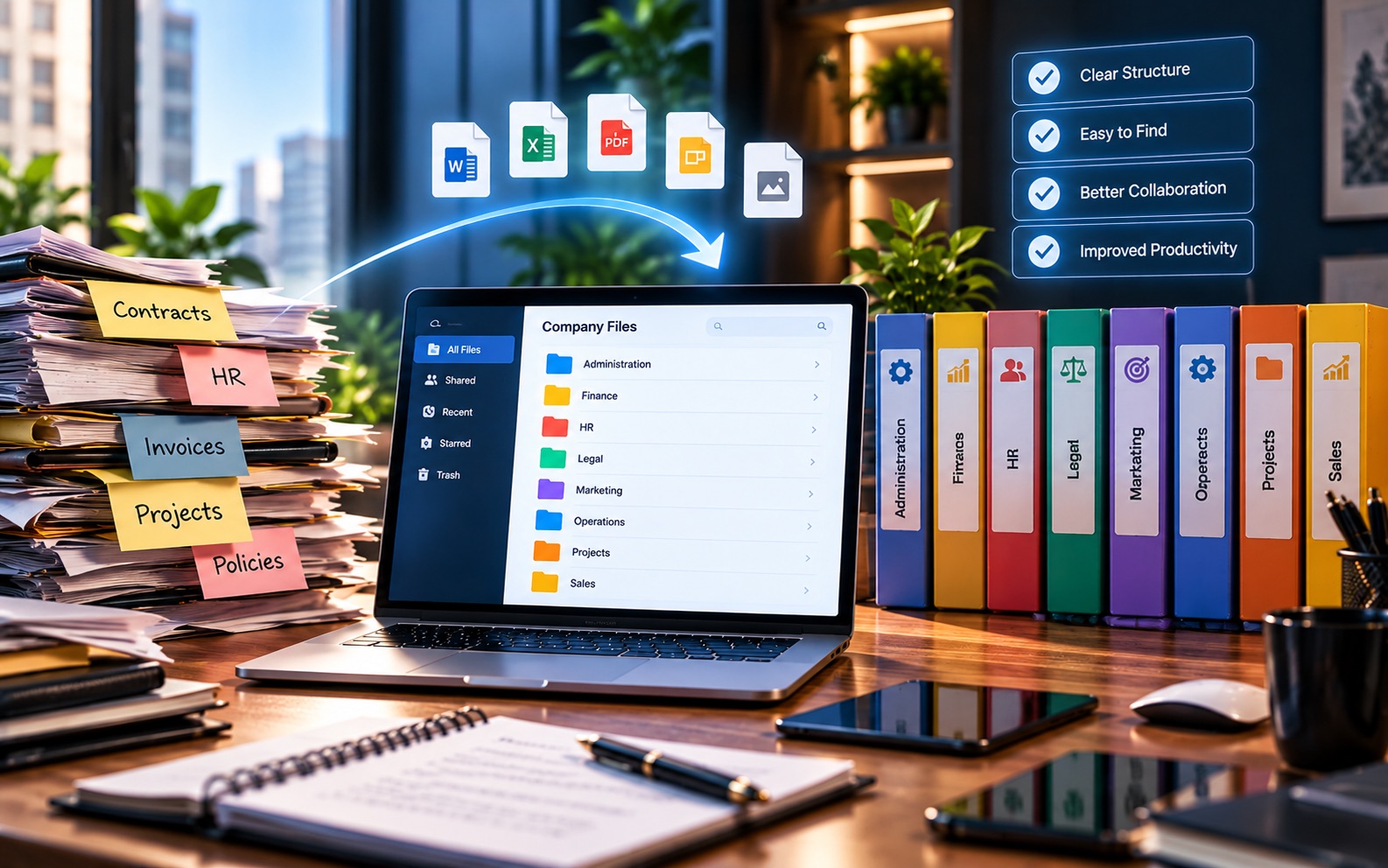
Construction projects generate a huge amount of paperwork: drawings, contracts, RFIs, permits, and correspondence, often changing frequently as a project moves forward. This article covers construction document management best practices that help office and field teams stay on the same page, literally, about which version of a document is current.
Why Construction Document Management Is Uniquely Hard
Project documentation in construction has a few characteristics that make it harder than average to manage well. Drawings get revised multiple times. Multiple parties, architects, subcontractors, and the general contractor, all produce and need documents. And a lot of that work happens away from a desk, on a job site, not in an office.
Best Practice 1: Organize by Project, Not by Document Type
A construction file management approach that groups everything by project, rather than scattering contracts, drawings, and RFIs into separate silos, makes it far easier for anyone involved to find everything related to a specific job in one place.
Best Practice 2: Make Version Control Non-Negotiable
Few things cause more costly mistakes on a job site than someone working from an outdated drawing. Clear version control, and a simple way to confirm which revision is current, should be treated as essential, not optional.
| Without Version Control | With Version Control |
|---|---|
| Field teams may use an outdated drawing | Everyone references the current revision |
| Rework caused by miscommunication | Fewer costly on-site mistakes |
| Unclear which version is "final" | Clear, tracked revision history |
Best Practice 3: Give Field Teams Real Access, Not Just Office Staff
Project documentation isn't useful if it's only accessible from the office. Field teams need to pull up the current drawing or RFI from a job site, on whatever device they have on hand, without waiting for someone else to send it over.
This matters more than it might seem. A superintendent who can't quickly confirm a spec on-site either guesses, or stops work to call the office. Both cost time, and one of them also risks a costly mistake.
Best Practice 4: Keep a Clear Record of RFIs and Correspondence
Requests for information and related correspondence often become important later, especially if a dispute comes up about who knew what, and when. Keeping these organized alongside the project's other documents, rather than buried in email, makes them easy to reference later.
Best Practice 5: Separate Active Projects From Closed Ones
Once a project wraps up, its documents don't need to disappear, but they also shouldn't clutter the view for active work. Archiving closed projects while keeping them retrievable is a simple habit that keeps day-to-day document practices manageable.
Best Practice 6: Standardize Naming Across Every Project
When drawing numbers, revision codes, and file names follow the same pattern across every project, staff moving between jobs don't have to relearn a system each time. This sounds minor, but it adds up. A general contractor running several active projects at once benefits the most, since staff and subcontractors often move between sites during a single week.
A Common Scenario
Picture a subcontractor arriving on-site with a printed drawing from two weeks ago. Since then, the architect issued a revision that changes a key detail. Without a clear version system, nobody notices until the work is already done incorrectly. With one, the subcontractor pulls up the current drawing on a phone or tablet before starting, and the mismatch never happens in the first place.
A Quick Checklist
- Organize documents by project, not by document type alone
- Treat version control as mandatory for drawings and specifications
- Make sure field teams can access current documents directly
- Keep RFIs and correspondence organized alongside project files
- Archive completed projects instead of leaving them mixed with active ones
Handling Change Orders and Amendments
Change orders deserve the same discipline as drawings. An approved change that isn't clearly linked to the project's other documents can easily get missed by whoever is working from the original scope. Keeping change orders in the same organized system, tied to the project and easy to find, reduces the chance that a change gets implemented inconsistently across office and field.
Getting Buy-In From Both Office and Field
New document practices sometimes stall because office staff and field crews are used to different habits. Office staff may be comfortable with folders and email. Field crews may prefer whatever's fastest to check on a phone between tasks. A workable system has to serve both. That usually means keeping things simple enough that neither group feels like they've been handed extra steps just to satisfy the other.
Where Software Fits In
These practices can be followed manually, but they tend to hold up better with a system that applies them automatically, instead of depending on every person remembering to do so. DocuStacker's construction document management is built around exactly this: project-based organization, accessible from the field, with version control built in rather than left to manual habit.
The Bottom Line
Good construction document practices come down to a handful of consistent habits, organizing by project, tracking versions carefully, and making sure documents are just as accessible on-site as they are in the office.