Law firms handle some of the most sensitive documents any business deals with: case files, contracts, settlement details, and privileged client communications. Securing client confidentiality isn't optional in this context, it's a professional obligation. This article looks at practical ways firms can secure law firm client documents without making everyday work harder.
Why Legal Document Security Is Different
Legal document security carries stakes beyond typical business risk. A leaked contract is a problem. A leaked piece of privileged client information can affect an active case, a firm's reputation, and its legal obligations to the client. That higher stakes environment is why access control tends to matter more here than in many other industries.
Common Risk Points in a Law Firm
- Case files shared broadly across a firm, rather than limited to people working that matter
- Client documents forwarded by email, creating copies nobody tracks
- Former staff or contractors retaining access after they leave
- Physical files left accessible in shared office spaces
Most of these aren't dramatic breaches. They're small gaps that add up. That's exactly why they're easy to overlook until something goes wrong.
A useful exercise is picturing an outside auditor asking, for any given matter, exactly who can currently access its documents. If that answer takes more than a moment to work out, it's usually a sign access has been left too broad for too long.
Practical Steps to Secure Client Documents
Organize by Matter, Not by Broad Category
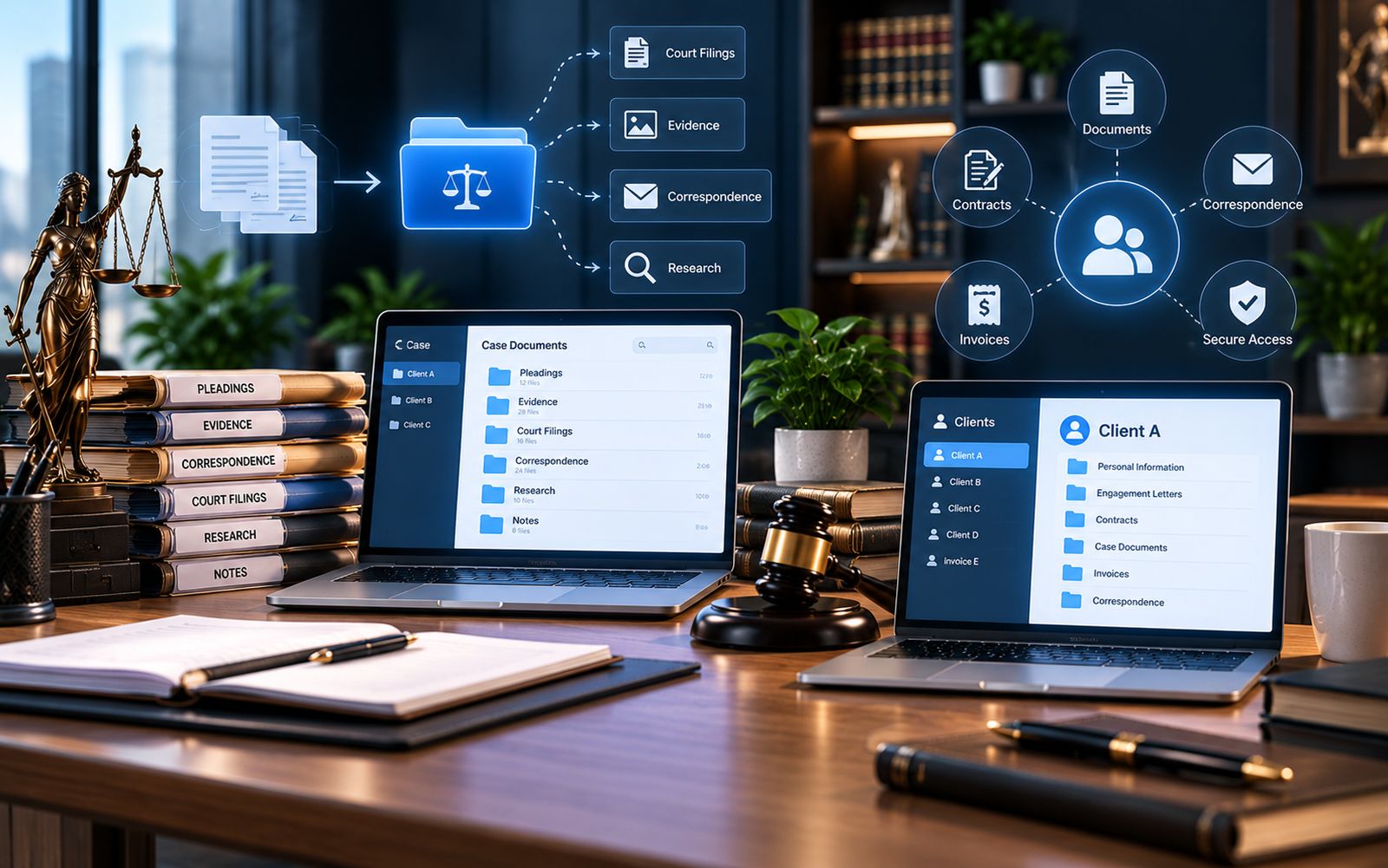
Grouping documents by matter, rather than a general "contracts" or "clients" folder, makes it easier to limit access to only the people actually working that case, instead of the whole firm.
Set Access at the Document or Matter Level
Not everyone at a firm needs access to every matter. Client confidentiality is easier to maintain when access is granted deliberately, matter by matter, rather than left open by default.
Avoid Emailing Sensitive Documents as Attachments
Every emailed attachment is a copy that's no longer tracked. Sharing access to a document stored in one place, rather than sending a copy, keeps everyone working from the same file and limits how far a document can spread.
Review Access When Staff or Contractors Leave
Access should be removed as soon as someone's role ends. It shouldn't stay in place until someone happens to notice. This is one of the simplest legal document security steps, and one of the most commonly missed.
Balancing Security With Usability
It's possible to lock things down so tightly that attorneys and staff start working around the system. That usually makes security worse, not better. The goal isn't maximum restriction. It's making sure access matches who genuinely needs a document, while keeping legitimate access fast and simple.
Client Confidentiality and Everyday Habits
Formal policies matter, but daily habits matter just as much. A firm can have a strict access policy on paper while staff still email sensitive files out of convenience, because it feels faster in the moment. Closing that gap usually means making the secure option the easy option: quick to find, quick to share correctly, so nobody feels tempted to work around it.
What This Looks Like Day to Day
In practice, a secure setup means an attorney opens a matter and sees only the documents relevant to it, already organized. A paralegal preparing for a hearing can search by matter name and find the current version of a filing without asking around. A partner reviewing access can see, at a glance, who currently has reach into a given matter, rather than guessing based on old email threads.
Where a Dedicated System Helps
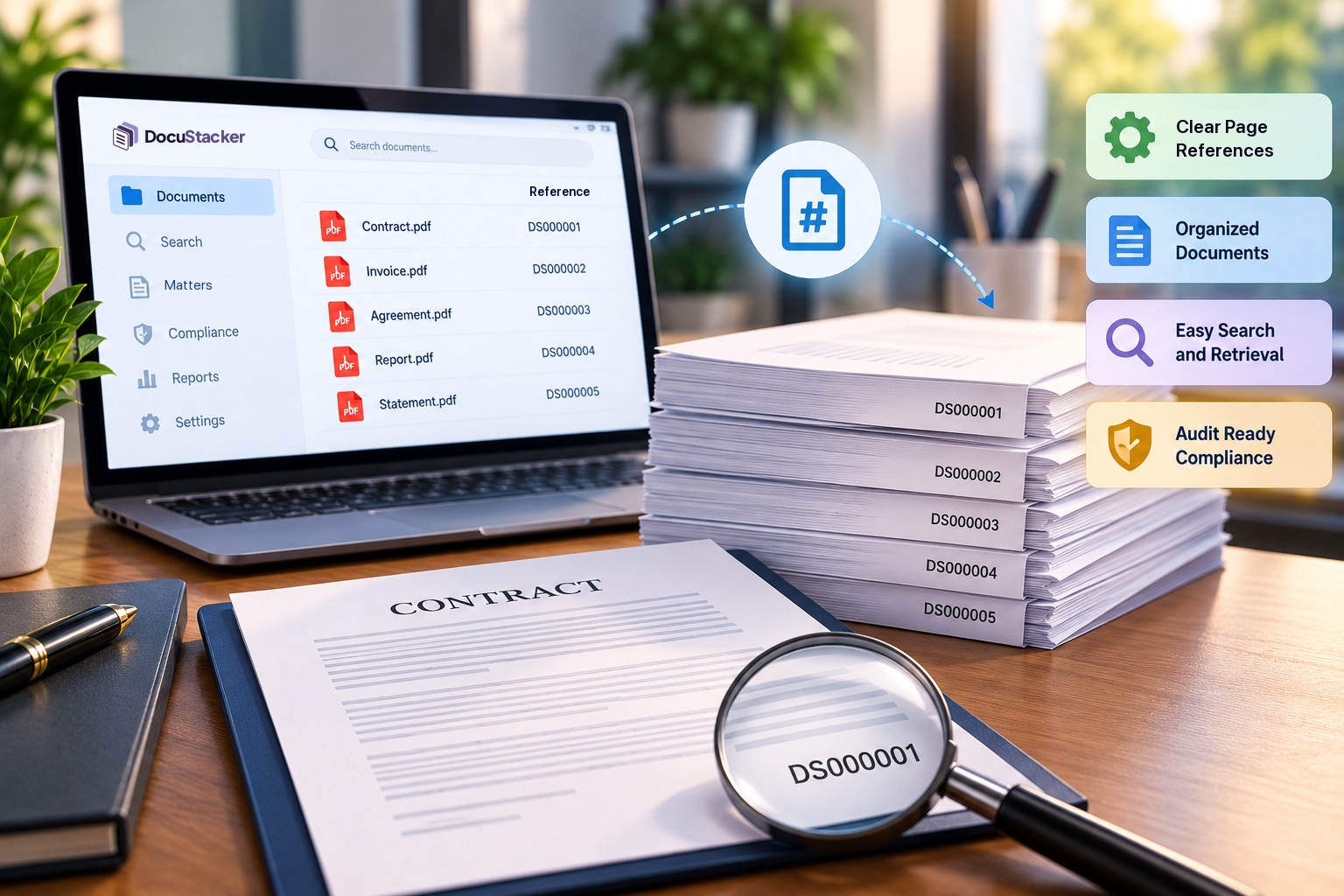
A general-purpose file storage tool can technically hold case files, but it isn't built around matter-based organization or the kind of document-level access control legal work often needs. DocuStacker's document management software for law firms is built specifically around organizing by matter, while its broader approach to secure document management covers the access control side: setting who can view, edit, or share each document, rather than leaving that decision to habit.
Getting Started Without a Full Overhaul
None of this requires reorganizing every matter a firm has ever handled. A practical starting point is to focus on active matters first, since those are the files staff touch most often and where access mistakes are most likely to happen. Closed matters can be reviewed and organized later, on a slower timeline.
It also helps to involve the people who actually handle documents day to day, not just firm leadership. Paralegals and administrative staff often notice friction points, like a folder nobody can find or a permission that's clearly too broad, well before a partner does.
The Bottom Line
Securing client documents at a law firm isn't about one tool or one policy. It's a combination of sensible organization, deliberate access control, and consistent habits. That includes avoiding email attachments for sensitive files, and removing access promptly when someone's role changes.