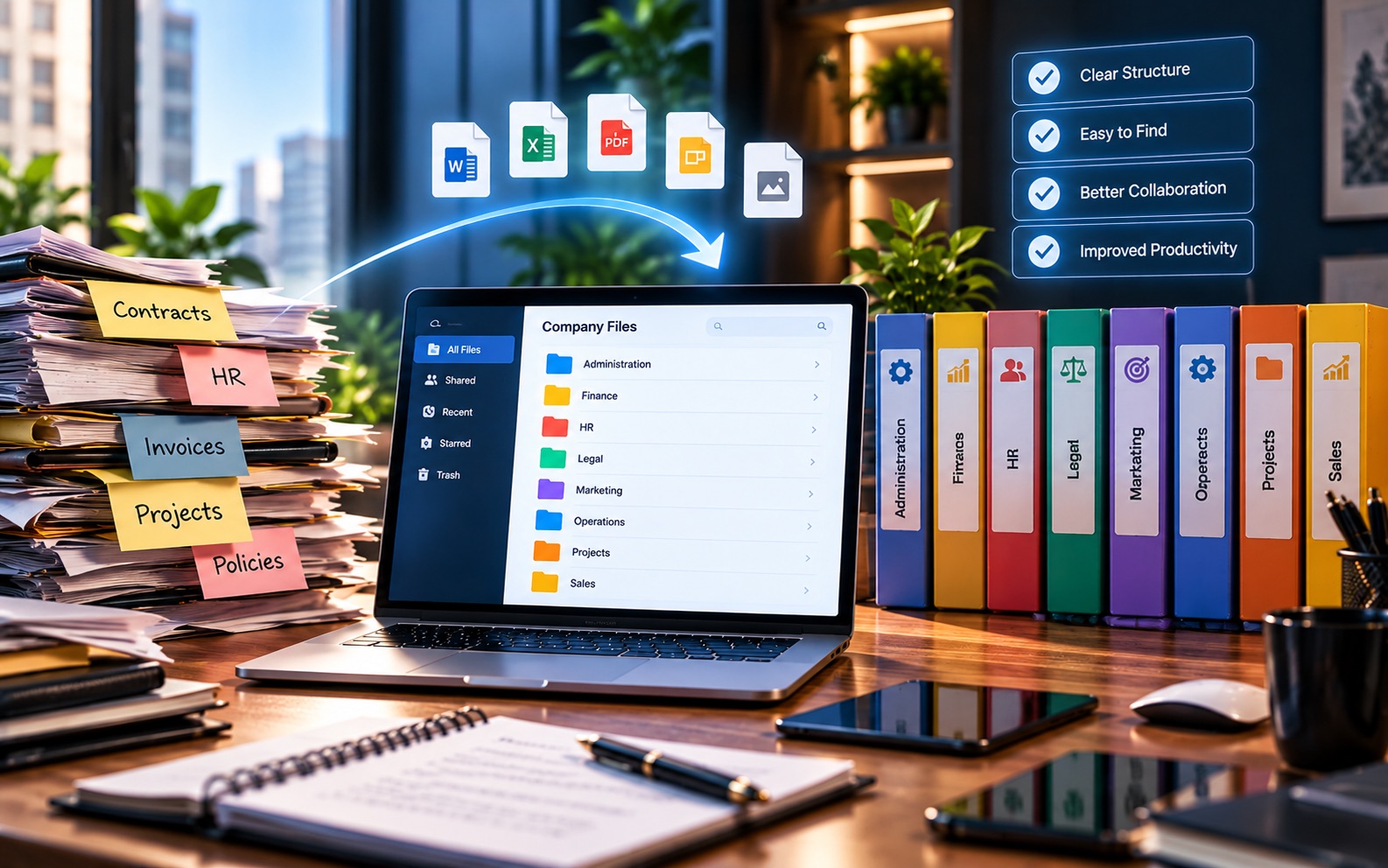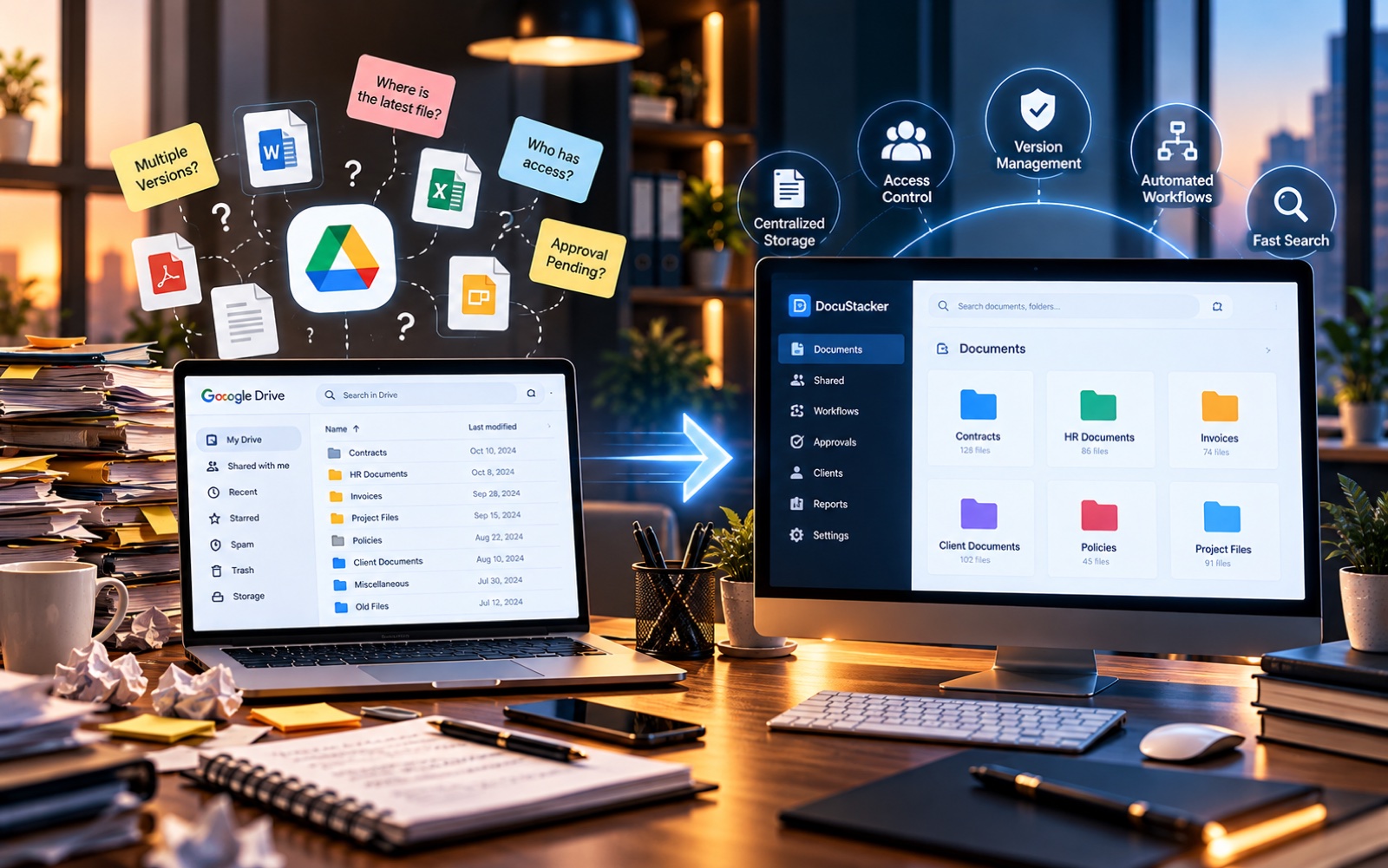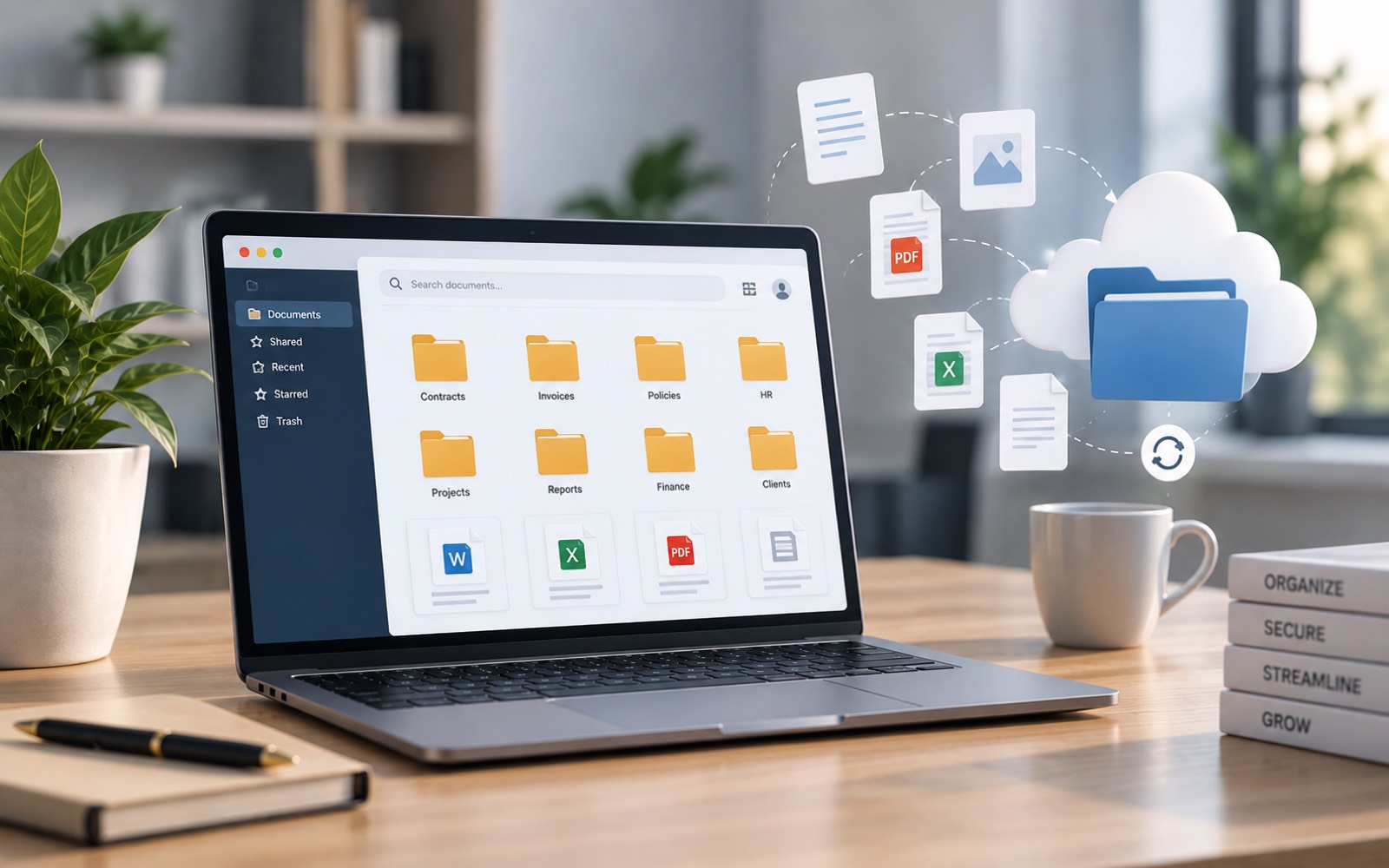
Have you ever spent ten minutes searching for one contract across three different folders? If so, you already understand the problem document management software solves. It's software built to store, organize, and help you find business documents. It replaces whatever folder habits a person happened to create.
This article explains what document management software actually is. It covers what it does day to day, and how it's different from just saving files on a computer or a shared drive.
What Document Management Software Actually Does
At its core, a document management solution gives every file a consistent, searchable home. Contracts, invoices, and reports stop living in email attachments, desktops, and shared drives. Instead, they live in one system built around how a business actually uses them.
That system usually handles a few jobs at once:
- Storing files centrally, so they aren't tied to one computer
- Organizing documents by category, client, or project
- Making files searchable by name, type, or content
- Controlling who can view, edit, or share each document
- Keeping track of changes over time
None of this is exotic. It's the same basic filing logic an office has always used. It's just applied consistently and automatically, instead of depending on individual habits.
How It's Different From Just Storing Files
Plenty of tools let you store a file. A folder on a laptop does that. So does a generic cloud drive. The difference with digital document management is what happens after the file is saved.
A folder doesn't know what a document is about. It doesn't know who should see it, or whether it's the current version. It just holds whatever gets dropped into it. A document management solution adds structure on top of storage. That structure includes metadata, search, permissions, and often some way to track versions as a document changes.
That distinction matters more as a business grows. One person can remember where five files are. Nobody can reliably remember where five thousand are. They end up spread across a dozen folders that different people named differently.
Common Features of Document Management Software
Not every DMS software product looks the same. Most share a similar set of features, though.
Centralized Storage
Documents live in one system, not scattered across personal drives and email inboxes. This is usually the first thing that changes when a business adopts a document management solution.
Search and Indexing
Instead of browsing folder by folder, you search by keyword, category, or document type. Good search is often the single biggest time-saver a DMS provides.
Access Control
Not every document needs to be open to everyone. Document management software lets a business decide who can view, edit, or share a specific file. That decision doesn't have to be made once, at the folder level, then forgotten.
Version History
Documents often change hands, or get edited by more than one person. Version history keeps track of what changed and when. Nobody has to guess which copy is current.
Who Uses Document Management Software
Almost any business with a steady flow of paperwork can use one. A few types of organizations tend to feel the need earliest:
- Law firms managing case files, contracts, and client records
- Accounting firms handling tax documents and financial records for many clients
- Construction companies tracking drawings, permits, and project files
- Small businesses that have simply outgrown folders and email attachments
The common thread isn't company size. It's document volume. A business handling a lot of recurring paperwork usually reaches a point where a spreadsheet of folder names stops being enough.
Digital vs. Paper Document Management
It's worth separating two related ideas. Digital document management is about handling files that are already digital. A broader shift from paper to digital is a separate decision many businesses make around the same time. A business can digitize paper records and still end up with a messy pile of PDFs, unless it also adopts a system to manage them once they're digital.
How a DMS Handles a Document, Step by Step
It helps to see the idea in practice. Here's what usually happens to one document after it's created:
- The file is uploaded or scanned into the system
- It's tagged with details like category, client, or date
- It becomes searchable by that information, and often its content too
- Access rules are applied, so only the right people can open it
- Any future edits are tracked, so the current version stays clear
None of these steps require much manual effort once the system is set up. That's really the whole point: consistency without constant upkeep.
Document Management Solution vs. General Cloud Storage
General cloud storage tools are built to hold any kind of file. That's useful, but broad. A document management solution is narrower on purpose. It's built specifically around business documents: contracts, records, and paperwork with a clear owner, category, and lifecycle. That narrower focus is what makes structure, search, and access control feel automatic rather than manual.
A Few Terms Worth Knowing
A handful of terms come up constantly around document management software: metadata, version control, access control, indexing. If any of these are unfamiliar, DocuStacker's document management glossary defines them in plain language, one term at a time.
Getting Started
If you're evaluating document management software for the first time, start with a simple question: what problem are you actually trying to fix? Slow searches, unclear versions, and uncontrolled access are three separate problems. They don't all require the same solution.
DocuStacker's document management software is one example built around exactly these day-to-day problems. It centralizes documents, organizes them automatically, and gives businesses control over who can access what.