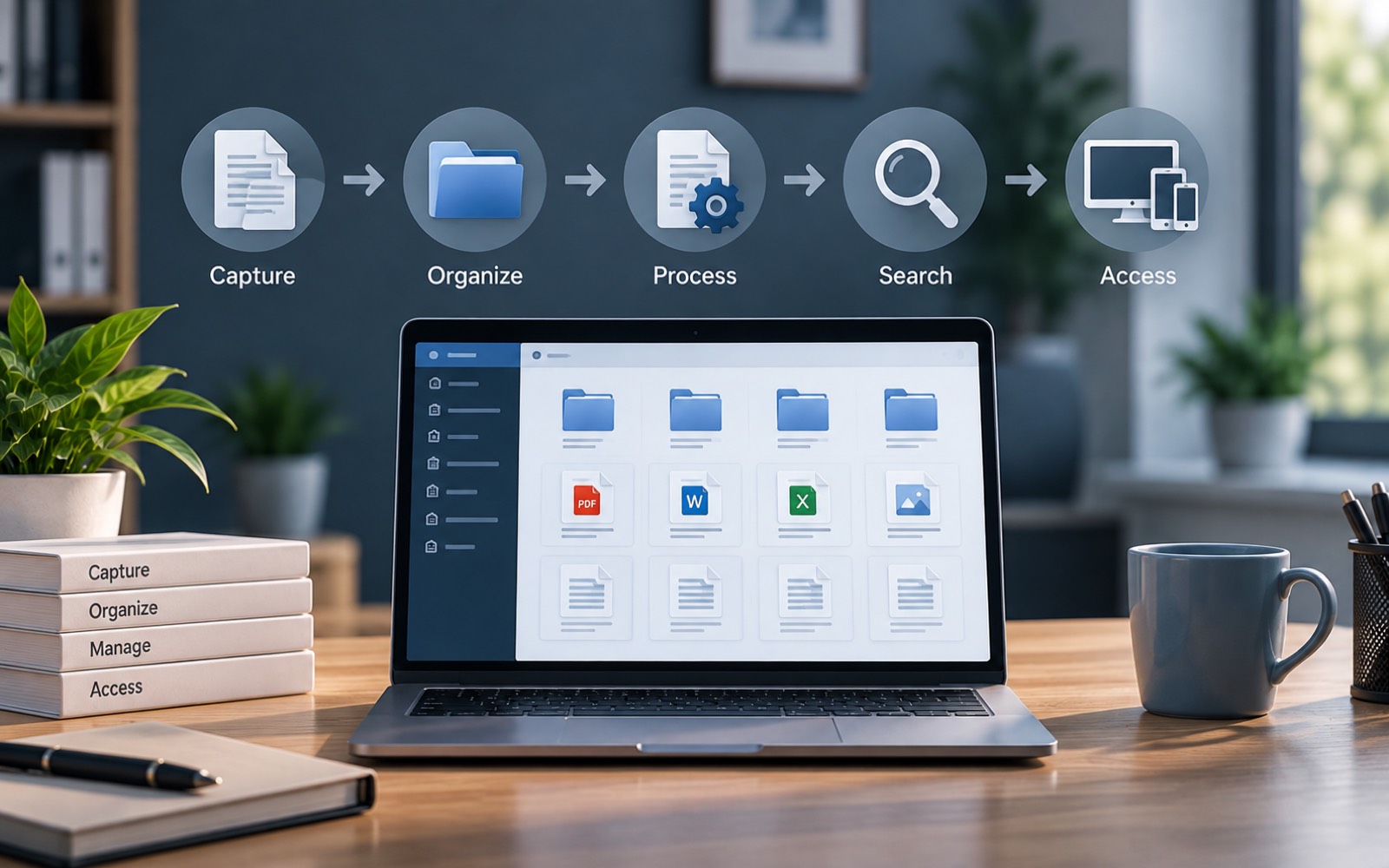
Document management software can sound abstract until you follow one file through it, step by step. This article does exactly that. It walks through the document management process, from the moment a file is added to the moment someone searches for it months later.
Understanding the DMS workflow also makes it easier to judge whether a system actually fits how your business works. That's more useful than just reading a features list.
Step 1: A Document Enters the System
Every document's lifecycle starts here, usually by upload. Someone drags in a signed contract. Or the system pulls in a scanned invoice. At this point, the software typically does two things at once. It stores the raw file, and it starts collecting information about it.
That information is called metadata. It might include the file type, the date, and sometimes a category assigned automatically based on rules the business has set up. This is the step where a document stops being just a file. It starts being an organized record.
Step 2: Organization Happens Automatically
In a well-designed document management process, a human doesn't have to decide where each file goes. The system applies a folder structure or category based on rules. A contract goes under "Contracts." An invoice goes under the right client's folder. And so on.
This is the part of the DMS workflow that saves the most time in practice. Nobody has to remember a naming convention. It's applied automatically, the same way, every time.
Step 3: The Document Becomes Searchable
Once a file is stored and categorized, it gets indexed. Indexing means the system records enough detail about the document, its name, category, date, and often its actual text, that a search can find it later.
This is what makes search fast. Instead of scanning every file's contents in real time, the system checks its index, which is built in advance. That's why a good document management system can return a result in under a second, even across a large document library.
Step 4: Access Control Is Applied
At some point in the document lifecycle, usually right when it's added, rules get applied about who can see or edit the file. This might happen automatically, based on the folder or category. Or it might be set manually for a specific sensitive document.
This step is easy to overlook, but it's central to how document management software actually works. Storage and search solve the "can we find it" problem. Access control solves a different problem: "should this person see it." Both matter equally.
Step 5: The Document Gets Used and Updated
Documents rarely sit untouched forever. A contract gets redlined. A policy gets revised once a year. This is where version control comes in. The system keeps track of changes, so there's a record of what the document looked like at each stage. Everyone knows which copy is current.
What Happens Without This Process
It helps to picture the alternative. Without an organized process, a file gets saved wherever seems convenient at the time. Nobody tags it with useful details. Searching means opening folder after folder, hoping to recognize the right file by name. Access is often all-or-nothing, since nobody set specific rules for it.
None of this is disastrous on its own. It's just slow, and it gets slower as more documents pile up. A document management system doesn't remove any of these steps. It just makes sure they happen automatically, every time, instead of depending on memory and good habits.
Over time, that difference compounds. A few extra minutes lost on each search adds up across a busy week. Multiply that across a whole team, over a year, and the cost of an unstructured process becomes much easier to see, even though it never shows up as a single line item.
| Stage | What Happens | Why It Matters |
|---|---|---|
| Upload | File enters the system | Starts the document's lifecycle |
| Organization | File is categorized automatically | Removes reliance on manual habits |
| Indexing | File becomes searchable | Makes search fast and reliable |
| Access control | Permissions are applied | Limits who can view or edit it |
| Version control | Changes are tracked over time | Keeps one copy clearly current |
Step 6: The Document Is Retrieved
This is the step most people actually notice. Someone searches for a file and gets it back in seconds. But that moment depends on everything that happened earlier in the process. Fast, reliable retrieval is really the payoff of good organization, indexing, and access control working together.
Why the Full Process Matters
It's tempting to judge document management software purely by its search bar. But search is only as good as the process behind it. A system that stores files without organizing or indexing them properly will feel slow, no matter how polished its interface looks.
That's the real point of understanding the full document management process. It explains why some systems feel effortless, and others feel like just another place to lose files.
How This Compares Across a Document's Whole Life
It also helps to zoom out. Everything above describes one document's lifecycle: from upload, through organization and use, to eventual archiving. A single document might stay active for a week, or for several years. The steps don't change much either way. What changes is how often a document gets touched, searched for, or updated along the way.
DocuStacker's document management software is built around this full sequence, not just the storage step. That's what makes documents easy to find long after they were first added, whether that's next week or three years from now.