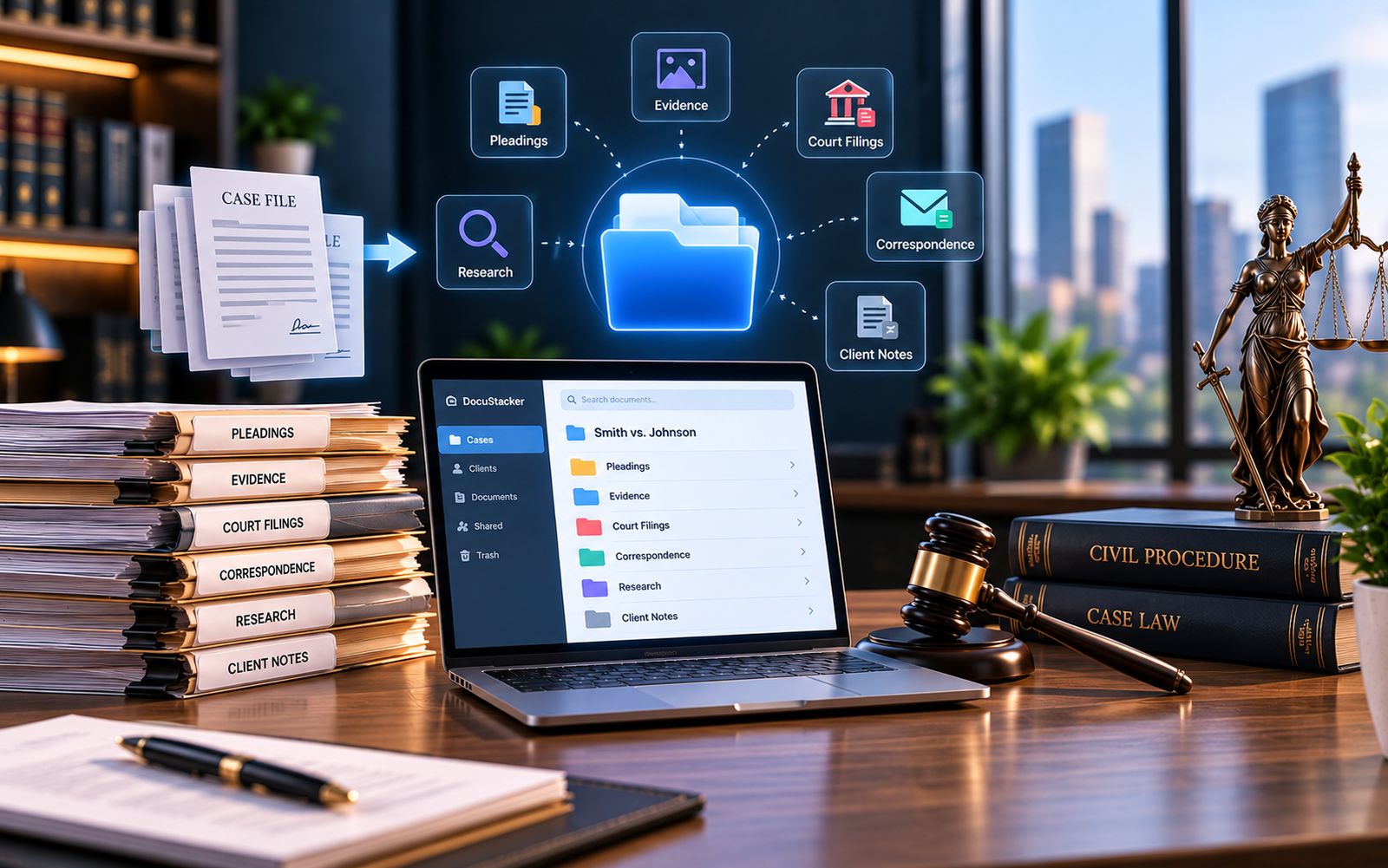

Contracts sit at the center of a lot of legal work: engagement letters, settlement agreements, leases, and client contracts. Paper files and email chains make them hard to track. This article explains how to manage legal contracts digitally, from the first draft to the signed copy, so a firm always knows what was agreed, when, and what happens next.
What Goes Wrong With Paper and Email
Most contract problems aren't dramatic. They come from small gaps that pile up over time:
- Signed copies sit in a filing cabinet or one person's inbox
- Several drafts circulate, and nobody is sure which is current
- Renewal and notice dates live in someone's memory
- Finding one clause means opening many files
Each of these costs time. A missed renewal date can also cost money or leave a client exposed.
The Contract Lifecycle in a Digital Setup
It helps to think of a contract as moving through stages. Each stage has a simple digital habit that keeps things tidy.
| Stage | Digital Habit |
|---|---|
| Draft | One working file, with the version number in the name |
| Review | Comments in one shared copy, not scattered email replies |
| Signing | Save the signed PDF as the final copy right away |
| Storage | One folder per client and matter, with a steady file name |
| Tracking | Record renewal, expiry, and notice dates |
| Archive | Move expired agreements aside, but keep them searchable |
How to Manage Legal Contracts Digitally, Step by Step
- Decide where signed contracts live. Pick one place, and tell everyone.
- Use a naming pattern. Include the client, the type of agreement, and the date.
- Keep drafts apart from signed copies. A drafts folder stops old versions being mistaken for final ones.
- Record key dates. Note renewal, expiry, and notice periods when the contract is signed.
- Limit who can edit. Signed copies should be read-only for most people.
- Review on a schedule. Check upcoming dates every month or quarter.
Managing Versions and Redlines
Version confusion is one of the biggest sources of contract mistakes. When two people edit two copies, someone signs the wrong one. Keep one master draft, and share access to it instead of emailing copies. Use tracked changes for edits, so it's clear who changed what. When the contract is signed, mark that copy as executed, and treat it as the only final version.
Tracking Key Dates
Dates are where digital habits pay off the most. Most legal agreements have at least one date that matters later. A simple list is enough to start:
- Renewal date
- Expiry date
- Notice period, and the last day to give notice
- Review or payment milestones
Record these when the contract is signed, not months later. Then review the list on a regular schedule.
Habits That Support Contract Document Management
Good contract document management is mostly consistency. Use the same file names, the same folders, and the same steps for every agreement. Save the signed copy on the day it's signed. Keep notes about the agreement with the agreement, not in a separate inbox. When everyone follows the same steps, any contract can be found in moments.
Keeping Legal Agreements Secure
Legal agreements often hold sensitive terms, so access matters. Share a link to the stored file rather than emailing a copy, since every emailed copy is one more you can't track. Limit edit rights, and remove access when someone leaves a matter. Our article on how law firms can secure client documents covers this in more detail.
A Common Scenario
A partner gets a call from a client asking about the renewal terms of a lease. In a firm using paper and email, someone searches the cabinet and several inboxes, and finds three versions. In a firm with a digital setup, the team searches the client name and finds the signed copy, along with the renewal date and notice period. The answer takes minutes, and it's the right answer.
What About Older Paper Contracts?
Many firms still hold paper agreements. You don't need to scan them all at once. Start with contracts that are active or close to renewal. Scan each one, name it with the same pattern, and store it with its client and matter. Once a paper copy is safely stored in digital form, older files can wait for a quieter time.
A Quick Checklist
- One home for signed contracts
- A steady naming pattern
- Drafts kept apart from final copies
- Key dates recorded at signing
- Edit rights limited on signed copies
Where Software Fits In
You can start with a shared folder, a naming guide, and a dates list. It works, but it takes discipline to keep going. A system can apply the structure for you and make agreements searchable across every matter. DocuStacker's approach to secure document management adds access control on top, so each agreement is available to the right people and no one else.
The Bottom Line
Learning how to manage legal contracts digitally comes down to a few steady habits: one home for signed copies, clear file names, tracked versions, and recorded dates. Begin with contracts that are active or coming up for renewal, and work through older agreements over time.